
Why the same file can look right on screen and wrong on panel
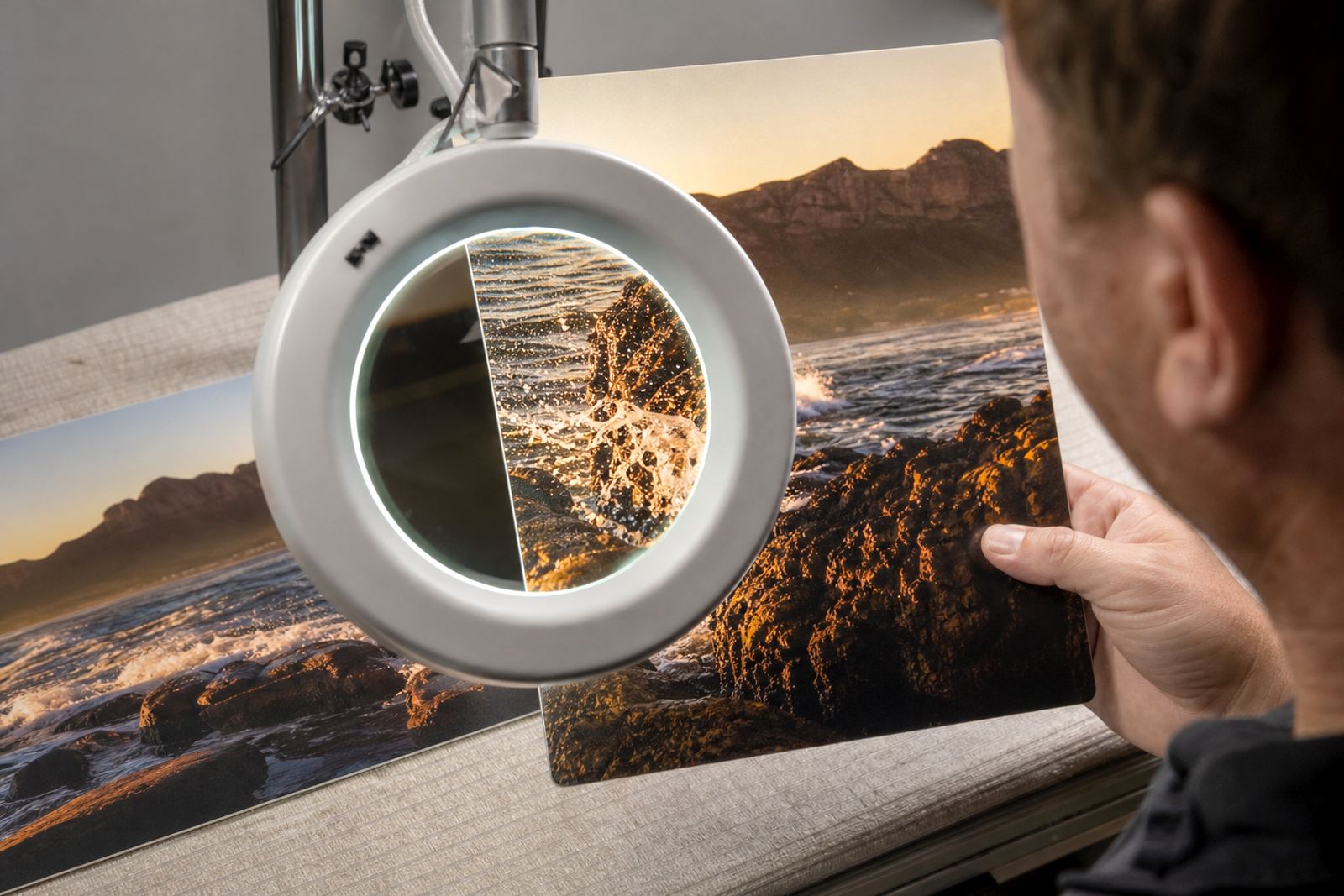
A picture that looks crisp on a laptop can still print too soft or too harsh once it is enlarged onto coated aluminium. Screen sharpening is judged at close range and at low physical size. Output sharpening is judged at the final dimensions of the panel, the texture of the finish and how the eye reads detail from across a room.
In Randburg we often see files that were sharpened for web use or for small proof prints, then sent for a large wall panel without any adjustment. On a 600 mm by 900 mm panel, that kind of file can show halos around edges, gritty skin tones, or crisp lettering that starts to look brittle. The reverse also happens, where a file is left too soft and the final panel has no bite.
Match sharpening to the final size, not the editing window
The safe rule is to make sharpening decisions at the final print size and final resolution. If the panel will be 1 metre wide, view the file at that scale or use a soft proof workflow that reflects the real output. A small portrait panel and a large office feature piece do not need the same treatment.
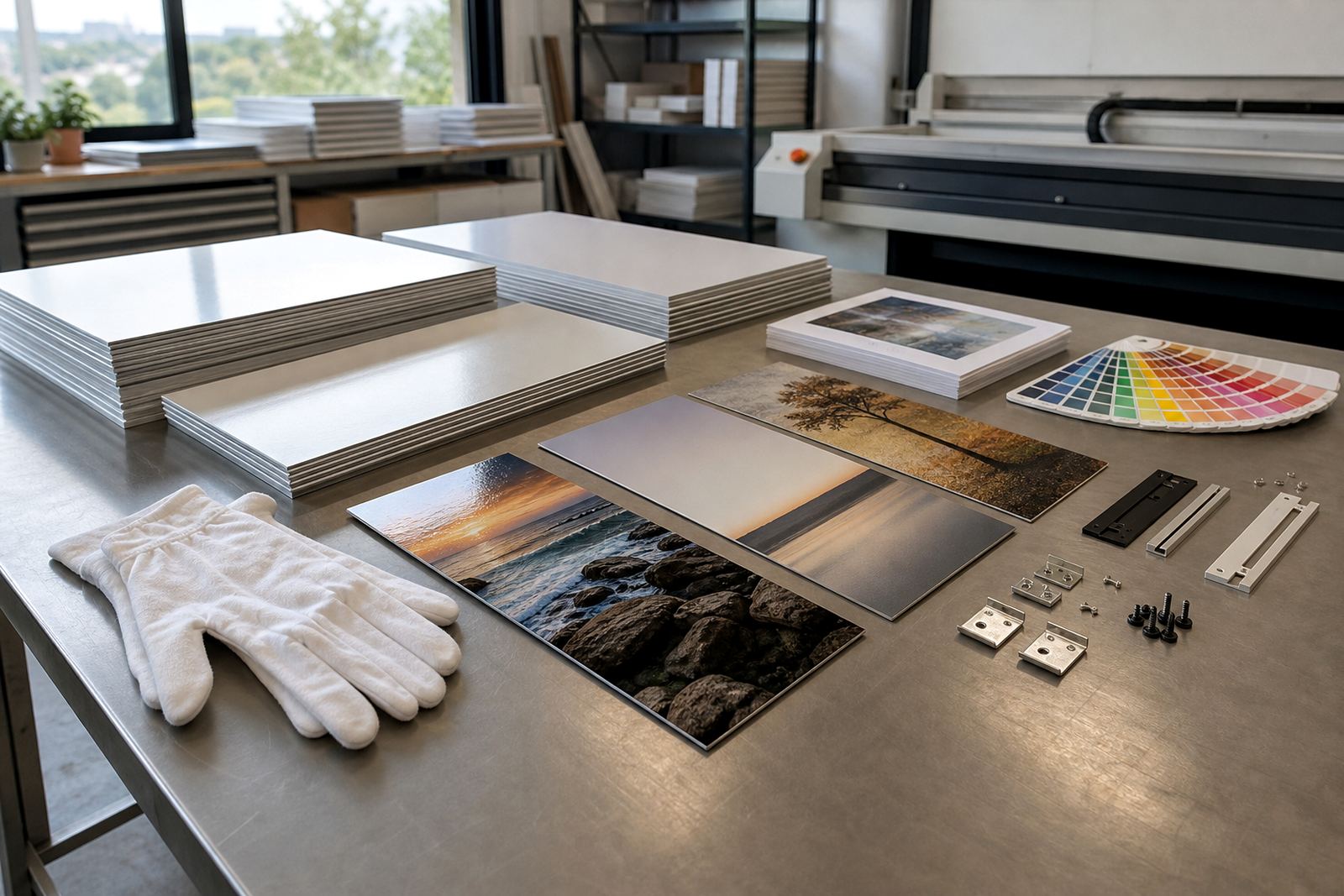
For dye sublimation onto coated aluminium, the image is transferred with heat into the coating, so fine detail can hold very well when the source file is prepared properly. That does not mean more sharpening is always better. It means the file needs enough edge definition to survive the size increase, but not so much that it creates a hard outline around every branch, hair strand or building edge.
- Check the image at its final physical size before adding the last round of sharpening.
- Use a separate file for each size if the same image will be produced in more than one format.
- Keep a clean master file untouched, then create a print version with the sharpening tuned for that panel.
How finish choice changes the sharpening decision
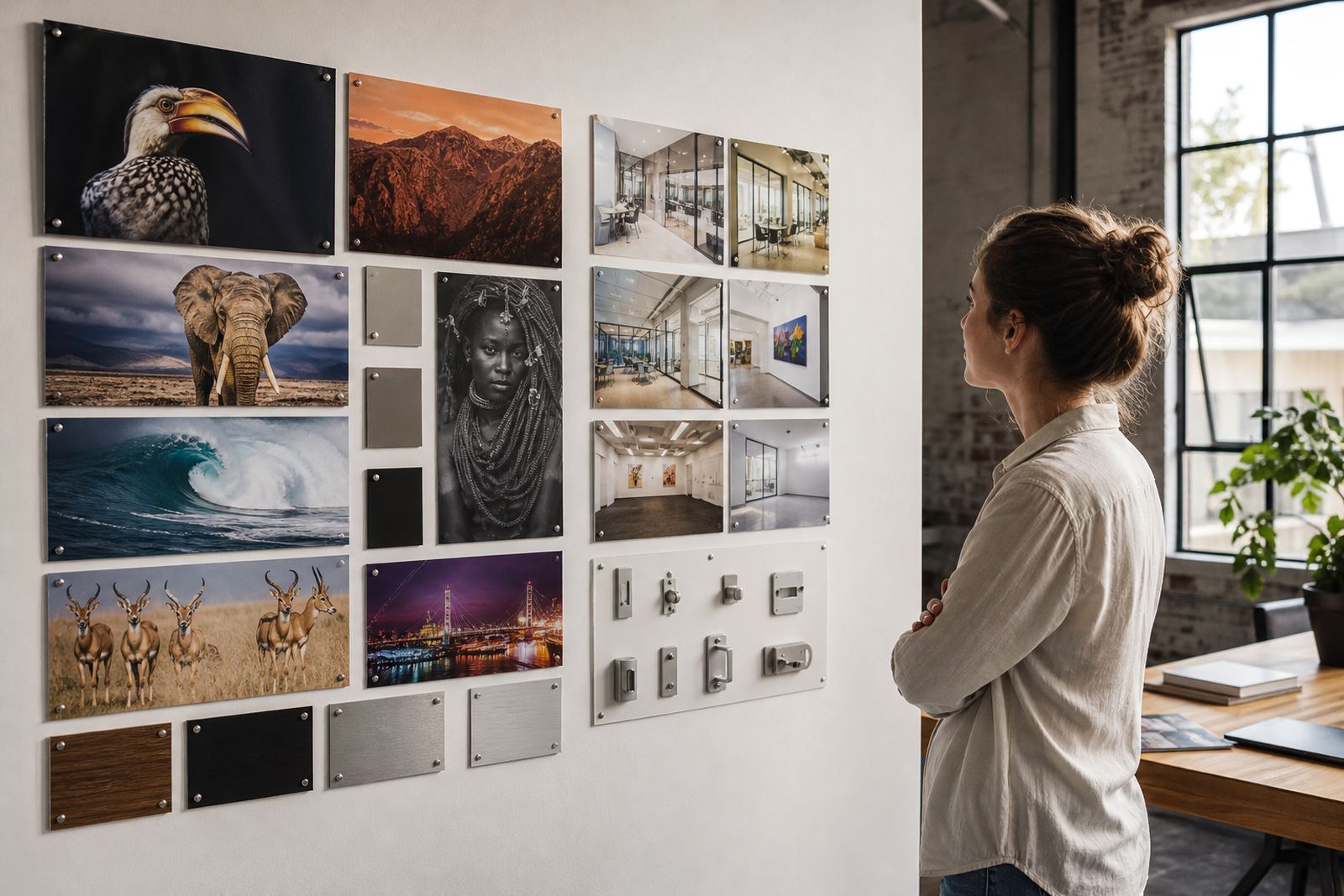
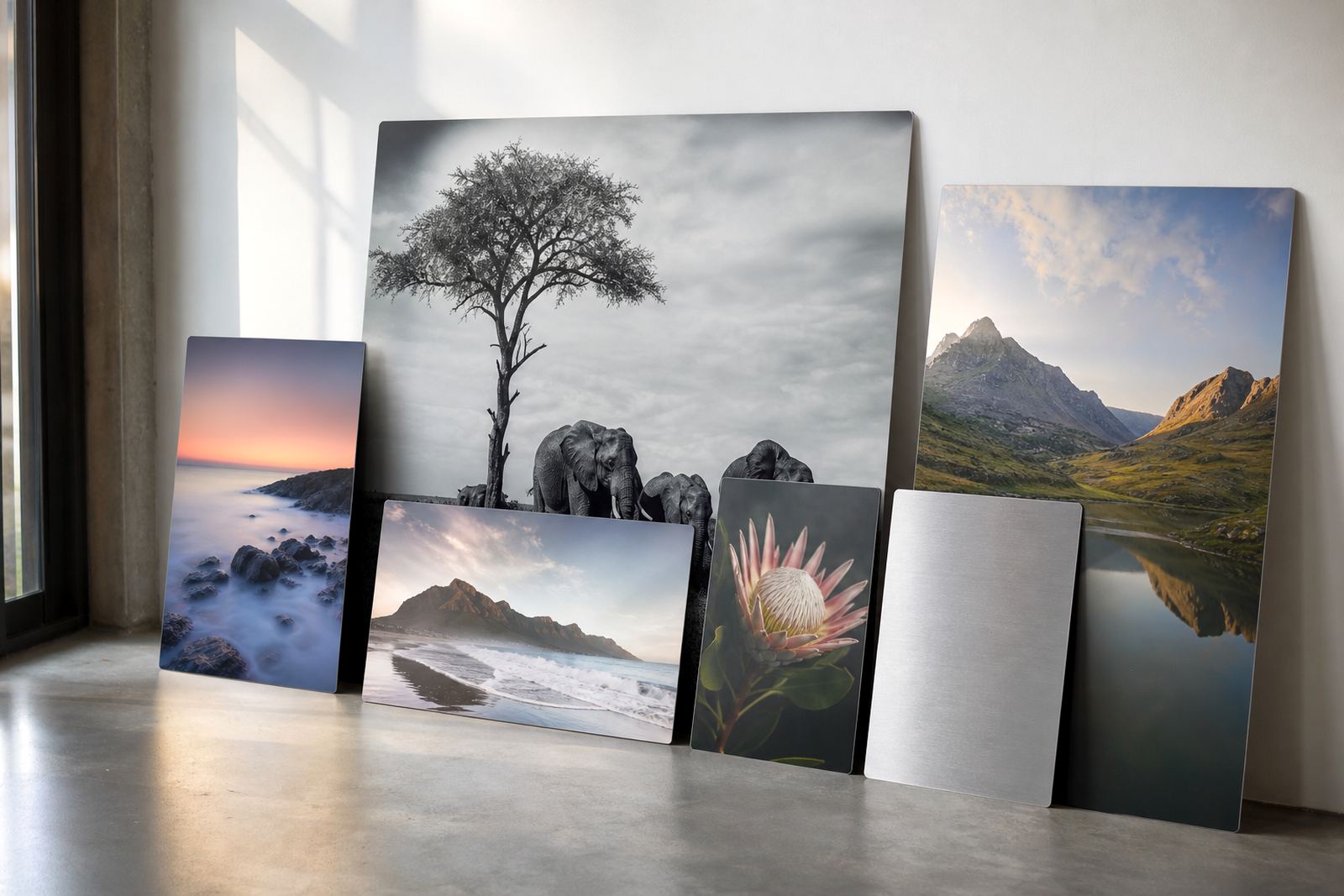
The finish matters just as much as the file. Gloss shows deep colour and strong contrast, but it can also make small sharpening mistakes more visible. Matte softens reflections and is often easier in bright offices or near windows, though it can hide a touch of fine edge crispness. White coated aluminium gives a clean base for full colour work, while brushed aluminium allows parts of the metal texture to show through in lighter areas.
That means the same photograph may need different sharpening when printed in gloss versus brushed. A landscape with trees and water may take a little more controlled edge work on brushed aluminium, while a portrait on gloss may need gentler treatment so skin stays natural. In coastal towns like Durban, where humidity and reflected light can be a factor, many clients choose finishes with less glare for reception spaces and meeting rooms.
- Gloss suits bold colour and deep blacks, but it shows every overcooked edge.
- Matte is more forgiving in bright rooms and under strip lighting.
- Brushed works well when you want a modern look with selective detail.
- White coated panels usually carry the widest colour range for standard photo work.
The local mistake that costs time in production
A common Johannesburg job starts with a beautifully edited file that was prepared for social media, then sent straight into production for a large aluminium panel. The image may be 1080 pixels wide, which is fine on a phone but nowhere near enough for a 900 mm or 1200 mm wall piece. Once enlarged, the sharpening artefacts become obvious and the panel looks tired rather than clean.
In one typical Pretoria office order, a team wants four panels for a boardroom wall, each with the same corporate image in different sizes. If the file is sharpened once and reused without adjustment, the smallest panel may look acceptable while the largest one starts to show ring-shaped halos around text or building lines. A better workflow is to review each size separately and allow for the intended viewing distance.
- Do not trust a sharp looking preview at 100 percent as the only test.
- Review the file at the actual panel size and also from a distance.
- For text or logos, keep edges clean but avoid exaggerated contrast around them.
What good output sharpening protects on an aluminium panel
Good sharpening protects the parts of the image that matter most: eyes in portraits, fine branches in wildlife work, architectural edges, product detail and type. It also protects print clarity after resizing, cropping and colour preparation. On aluminium, where the surface is smooth and flat, the panel can reveal both the strength and the weakness of the file very clearly.
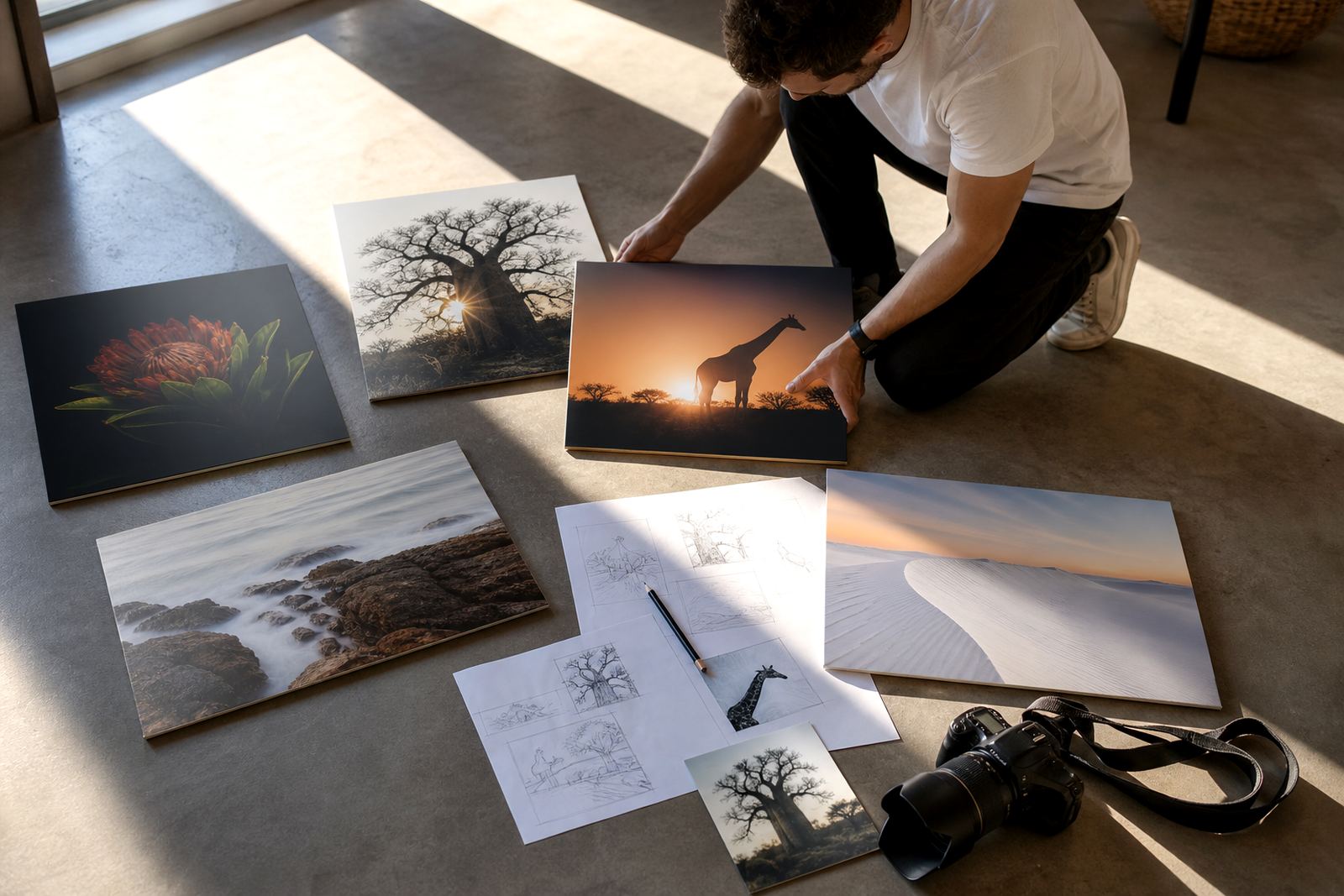
Our production team in Randburg checks image resolution, crop planning and finish selection before a panel is made. If a file needs rework, it is better to catch that before printing than to discover it after mounting. Customers should own the images they send or have the rights to use them, especially for commercial work, office décor and gallery display.
Sharpening is not about making the picture look harder. It is about making it read properly at the size and distance where it will live.
A practical way to prep files for panels in South Africa
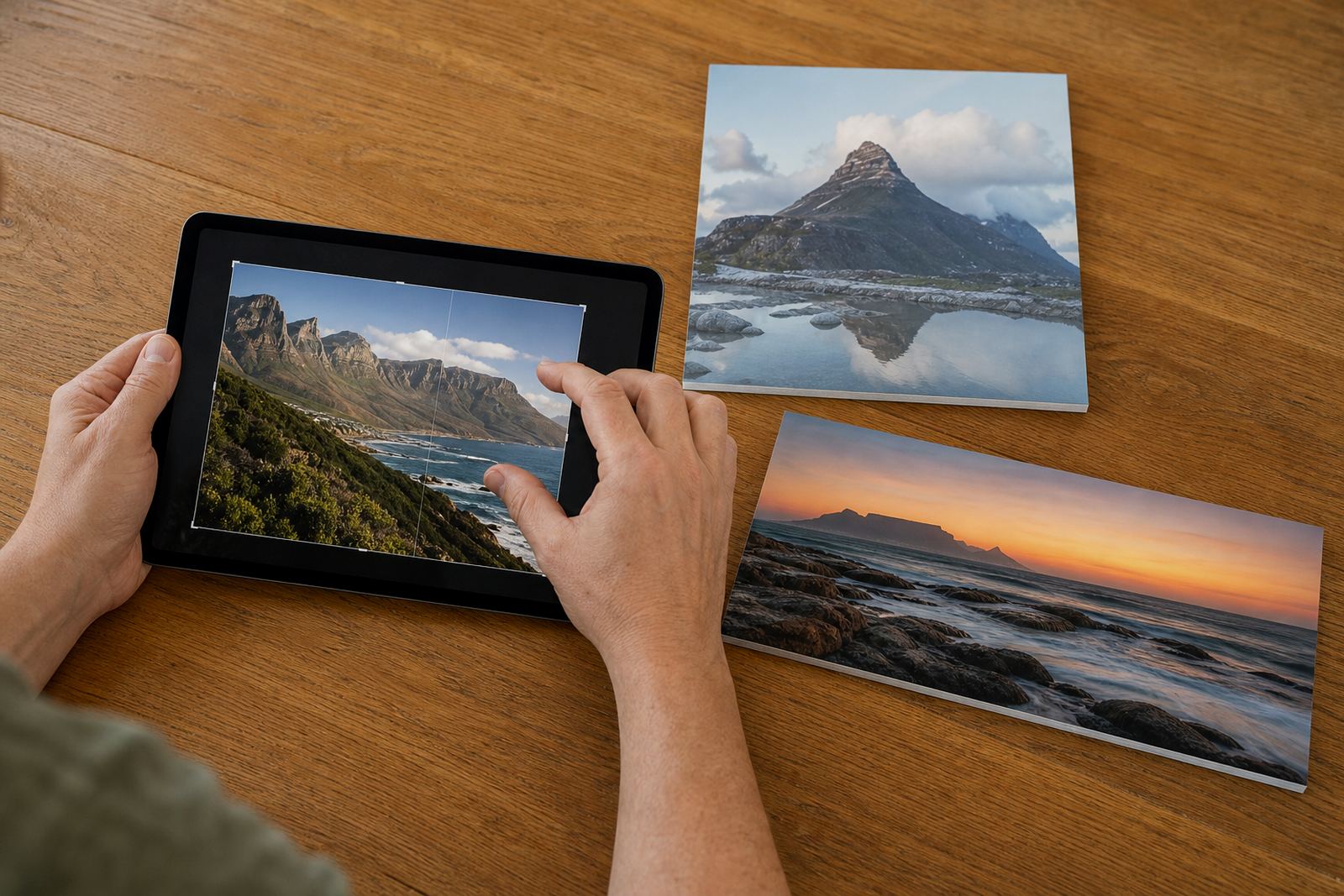
For photographers, artists and businesses sending work from Johannesburg, Cape Town, Durban, Pretoria or Gqeberha, the best approach is to prepare for the final panel, not for the editing screen. That means confirming the intended dimensions, checking the crop, choosing the finish, and then applying the last sharpening pass with the output in mind.
That keeps the work moving through file checks, colour preparation, test panels if needed, mounting options and packing for delivery. The panel should arrive looking calm, not overworked.
- Send the highest quality master file available, preferably in a print-friendly format.
- Keep important detail away from trim edges unless the layout calls for a full bleed.
- Allow for the final viewing distance when deciding how much sharpening to use.
- Ask for a test panel when the finish or image type is critical to the result.
If the file is prepared for the wall, the sharpening will feel invisible, which is exactly how it should be.