
When a phone photo can carry a panel
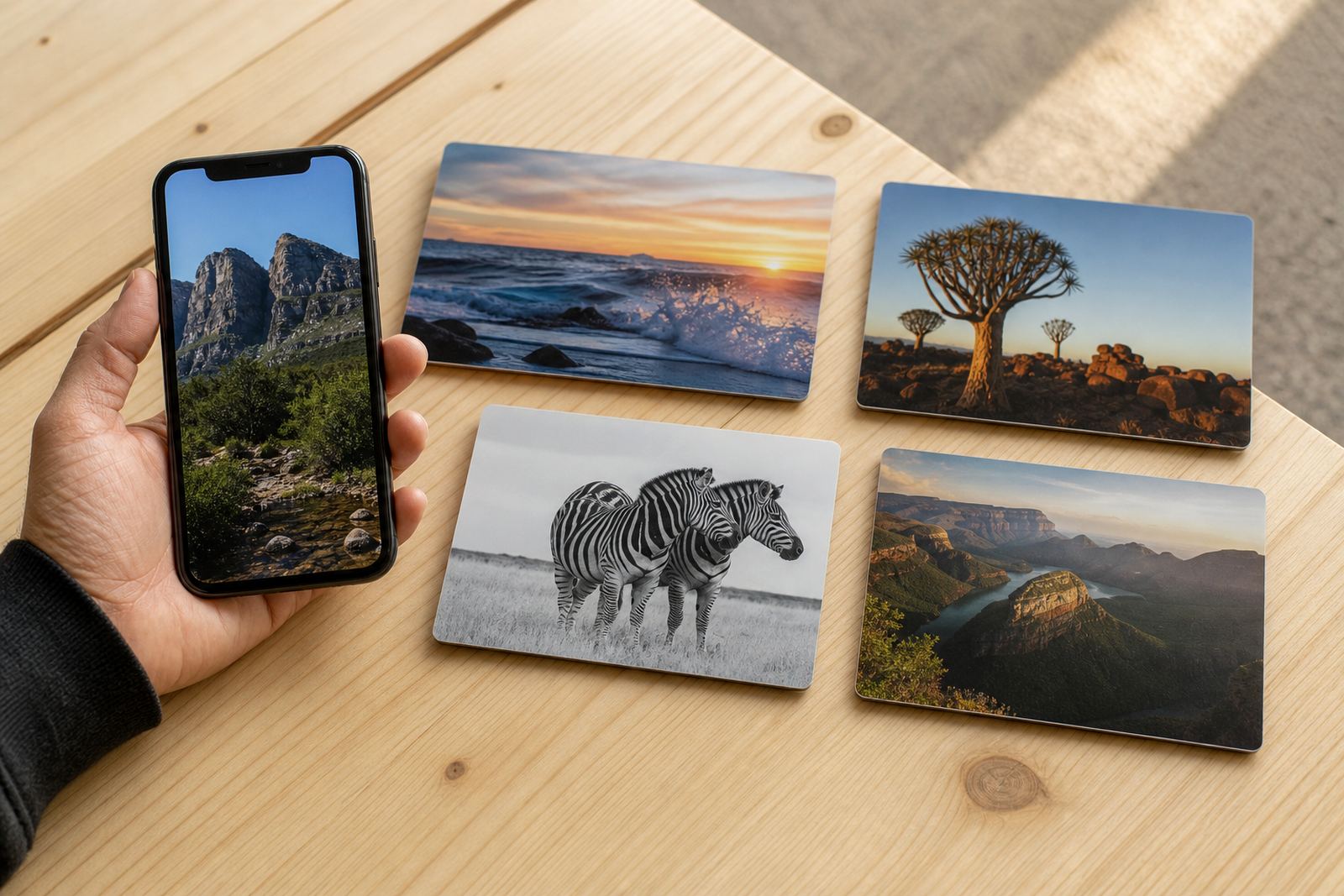
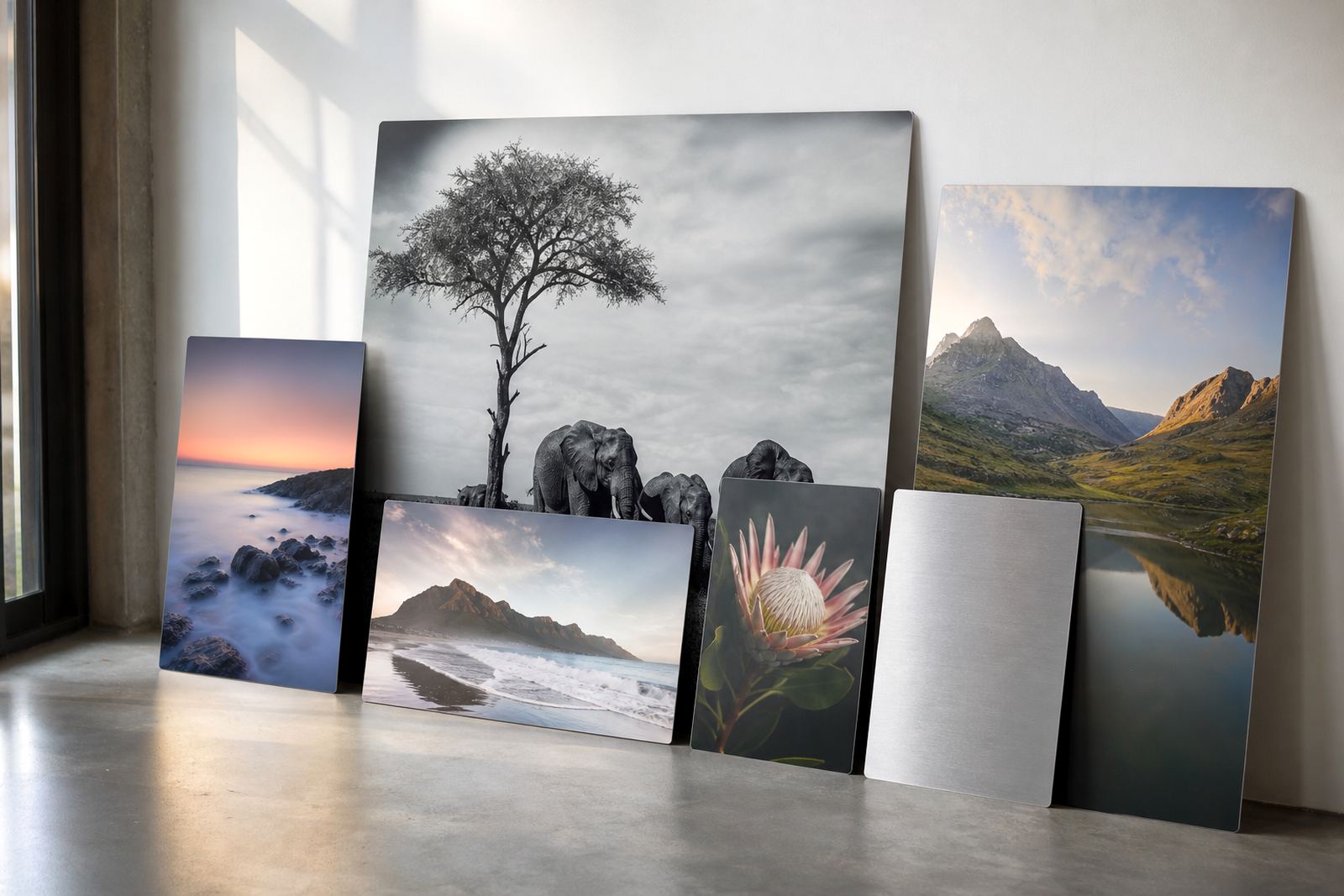
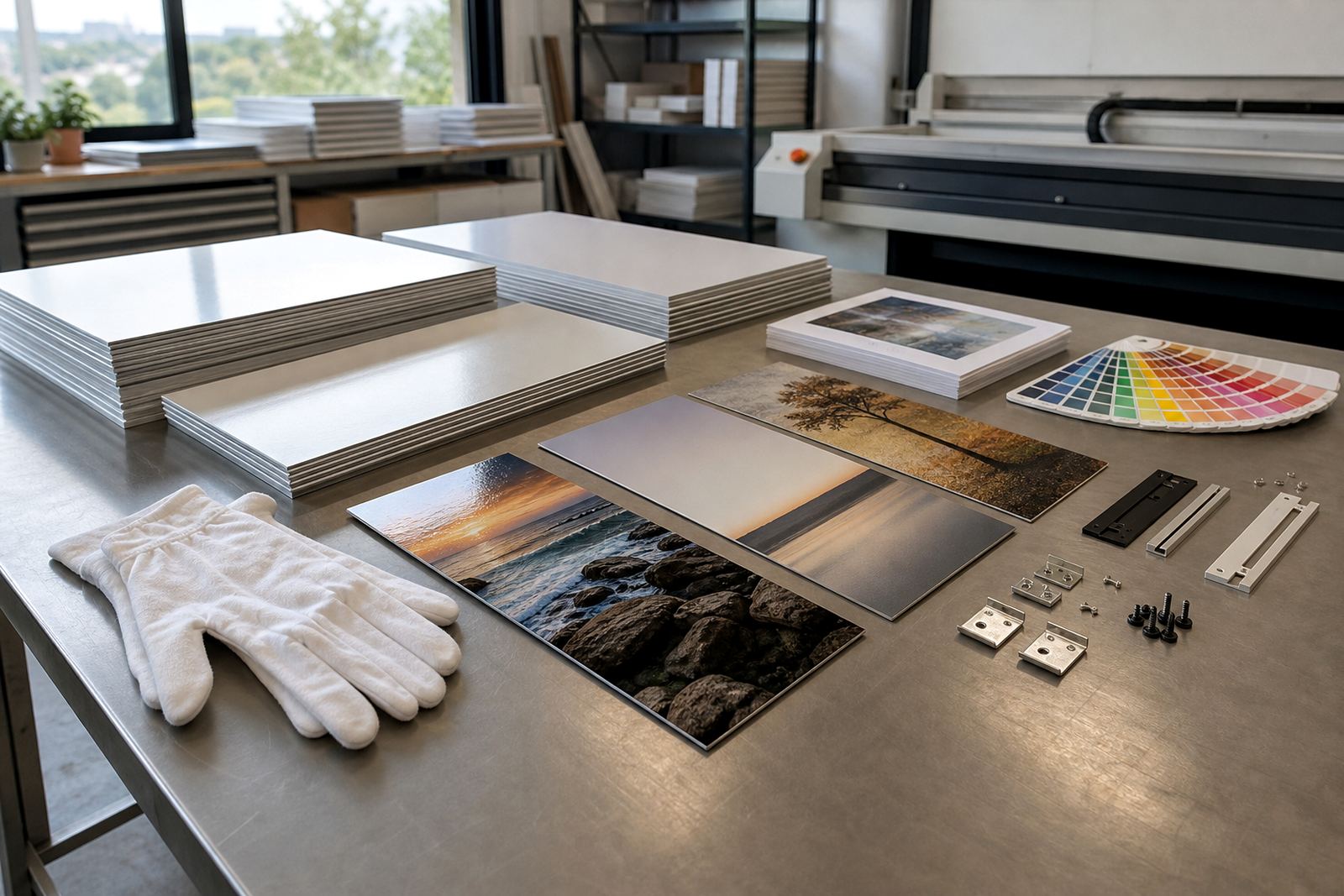
Mobile cameras have improved a lot, and many images now suit dye sublimation onto coated aluminium panels very well. The key is not the phone model on its own, but the actual file quality, lighting, focus and how much the image needs to be enlarged. A crisp portrait from a recent phone can work neatly on a 20 x 30 cm panel or a similar size, while a dim, heavily cropped image may start to soften much earlier.
For smaller and medium panels, phone images often suit family portraits, product shots, social content, event moments and travel scenes. If the picture was taken in daylight or with strong indoor light, and the subject fills the frame properly, the print can hold detail and colour well. If the photo has been sent through several chat apps, it may already have lost data, so the original file is always better.
What makes a phone image print well on aluminium
Aluminium panels respond best to images that are clean, bright and not pushed too far beyond their native size. The coating takes the sublimation ink into the surface, which gives a hardwearing finish with strong colour, and the final result depends heavily on the clarity of the source file. A phone photo with good exposure and balanced colour often prints sharper than a larger but poorly lit camera image.
- Use the original image file where possible, not a screenshot or forwarded copy
- Avoid very dark rooms and mixed lighting from windows and tubes
- Check that faces, products or building details are in focus
- Leave a little space around the subject for cropping
- Choose a smaller panel if the photo has been zoomed in heavily
For people who want a straight answer, a file check helps avoid surprises. We look at resolution, crop room, sharpness and whether the picture will suit gloss, matte, white or brushed aluminium.
Best panel sizes for mobile shots
Phone photo printing works best when the panel size matches the amount of usable detail in the image. Smaller panels forgive more, while larger panels need more pixels and cleaner focus. A 15 x 15 cm square, 20 x 20 cm square or 20 x 30 cm rectangular panel is often a safe starting point for mobile images, depending on the crop. Once a photo is enlarged too far, faces can go soft and edges lose bite.
As a general guide, if the image looks good on a full screen at normal viewing distance, it may still print well on a medium panel. If you have to zoom in a lot to see the subject properly, the print area should probably stay smaller. For reception walls, corridors and home displays, a cluster of smaller panels can work better than one oversized piece.
- Small panels suit gifts, shelves and office corners
- Medium panels suit portraits, artwork and product images
- Larger panels need higher resolution and steadier original files
- Square crops often suit phone photos better than wide crops
Gloss, matte, white or brushed: choosing the finish
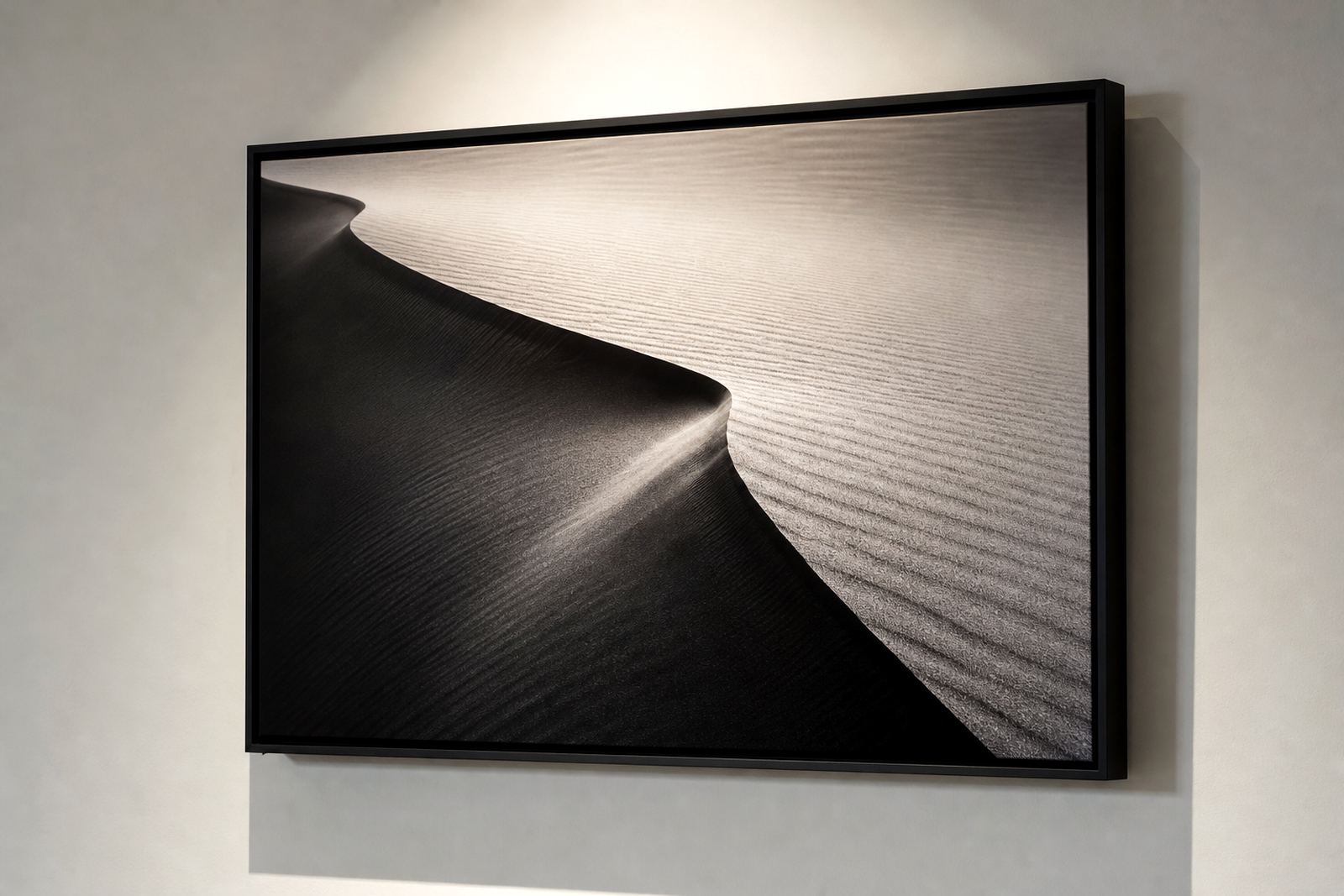
Different finishes change how a phone image reads on aluminium. Gloss gives stronger shine and deeper colour contrast, which suits bold images with plenty of light. Matte cuts reflections and works well for offices, galleries and bright rooms where glare would be a problem. White aluminium keeps colours bright and even, while brushed aluminium lets part of the metal texture show through lighter areas and can suit black and white work or industrial styled images.
The finish should match the photo, the space and the viewing angle. A glossy beach shot might look lively in a home lounge, but the same finish can be troublesome near a window in a Sandton office. In Durban, where coastal humidity and bright light can both affect display areas, a matte finish is often the better practical choice for some interiors.
Getting the file ready before it leaves your phone
Before a mobile image goes to print, the file should be checked for crop, colour and any edits that may have pushed skin tones or skies too far. Over-filtered photos can look exciting on a phone screen, but they may print with odd colour shifts on aluminium. Gentle adjustments are usually enough, and a small correction to brightness or contrast can make the picture read far better on the panel. If the image is meant for a business wall, it is worth checking logo placement and any text so it does not get trimmed at the edge.
We also look at whether the picture needs a test panel first. That is useful when the image has sentimental value, when the artwork will hang in a reception area, or when the client wants to compare a gloss and matte finish before committing. Customers must own the image or have the rights to use it, especially for business branding and promotional work.
A Randburg order that started on a phone screen
A Pretoria client once sent a set of portraits taken on a phone during a family function in Randburg. The original files were clear, but a few had been forwarded through messaging apps, so only the sharper ones were suitable for medium panels. We trimmed the crops carefully, kept the skin tones natural and used a matte finish for the living room where light comes in from the north side. The result looked clean and calm, not overdone.
That kind of order comes up often. Mobile photos are fine when the subject is well lit and the size is sensible, but they need a practical check before printing. If the image is for Johannesburg, Cape Town, Durban, Pretoria or Gqeberha, the same rules apply: start with the best file you have, choose the right size and pick a finish that suits the room.
- Original image files are better than compressed copies
- Smaller and medium panels suit most phone photos best
- Mounting options should match the wall and viewing height
- Packing matters for courier delivery across South Africa
What helps a phone image last on display
Once printed on coated aluminium, the panel is made for regular display and is well suited to homes, offices and retail spaces. It still needs sensible care. Avoid harsh abrasives, wipe it with a soft dry cloth, and keep it out of constant direct sun where possible. Near the coast, a clean indoor wall helps reduce the effects of salt air over time, while in busy offices the panel should be mounted securely and kept away from contact areas.
For anyone sending a phone image for printing, the practical route is usually the best one: send the original file, decide on the finish, keep the panel size realistic and allow for crop planning. That is often enough to turn a phone picture into a piece that feels properly finished without trying to force more detail than the image can hold.