
Why the same photo can look different from screen to panel
A screen makes colour with light, while a sublimation panel takes colour from heat, ink and a coated aluminium surface. That difference is why a bright portrait on a laptop can print slightly darker or cooler if the file is not prepared with care.
The most common issue is not the printer itself, but mismatched colour space settings. If one file is saved in sRGB and another is edited in a wider space then exported badly, the final panels can show uneven reds, soft skin tones or greens that shift toward yellow. For a photographer sending work from Cape Town to Johannesburg, that gap matters when the same image must hold its look across multiple panels.
What colour space means in plain terms
Colour space is a defined range of colours that a file can describe. Think of it as the rule book for how your image data is read. The two spaces most people meet are sRGB and Adobe RGB, with sRGB being the safer choice for many general print workflows because it is widely supported and more predictable for standard viewing.
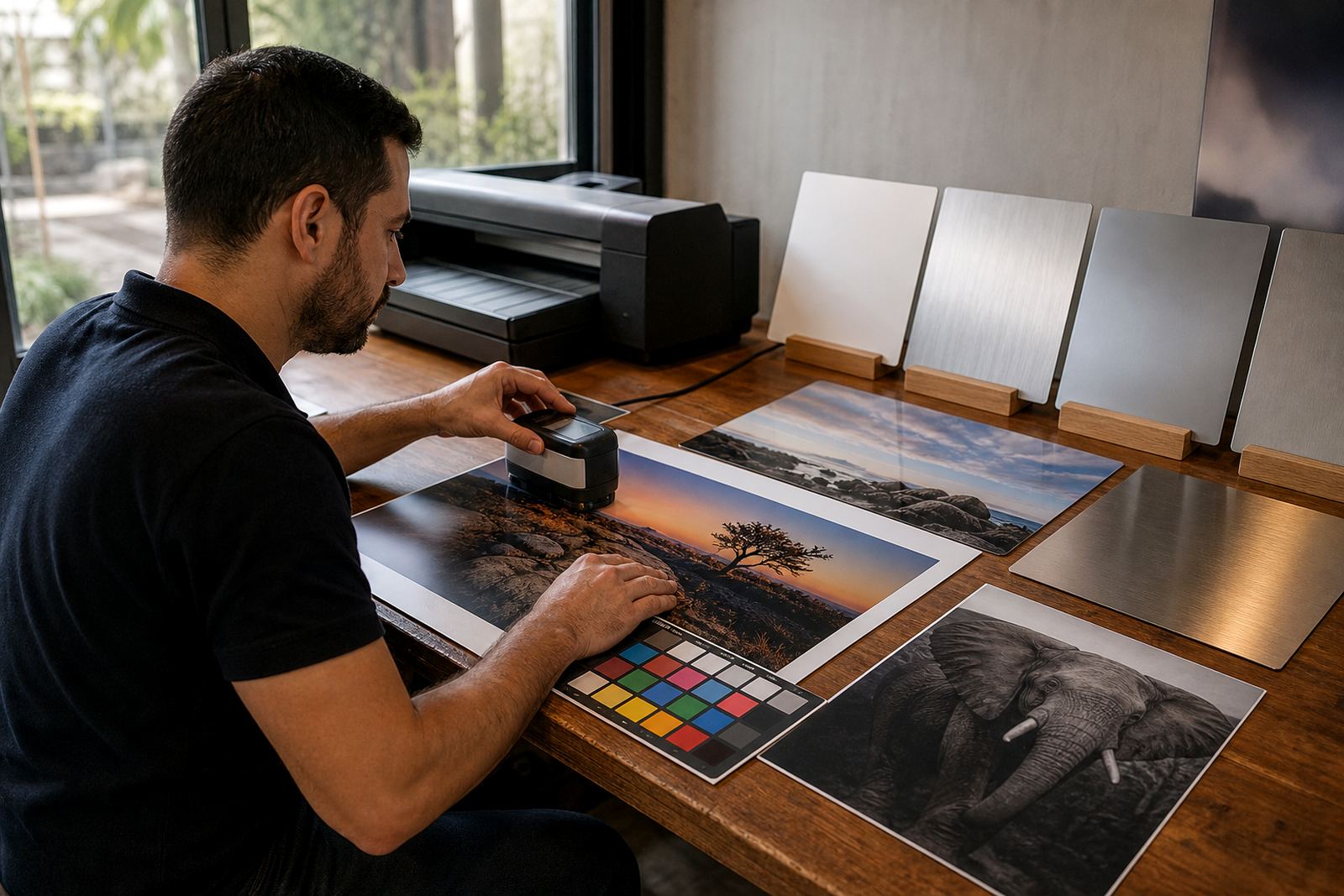
For aluminium photo panels, the goal is not the widest possible colour range on paper, it is consistency. If your source file, editing software and export settings are all speaking the same language, the converted image is easier to match to the coated panel finish whether you choose gloss, matte, white or brushed.
Useful things to keep aligned include:
- the colour space used when editing
- the export profile saved with the final file
- the viewing light where the panel will hang
- the finish chosen for the final surface
Why coated aluminium behaves differently to paper
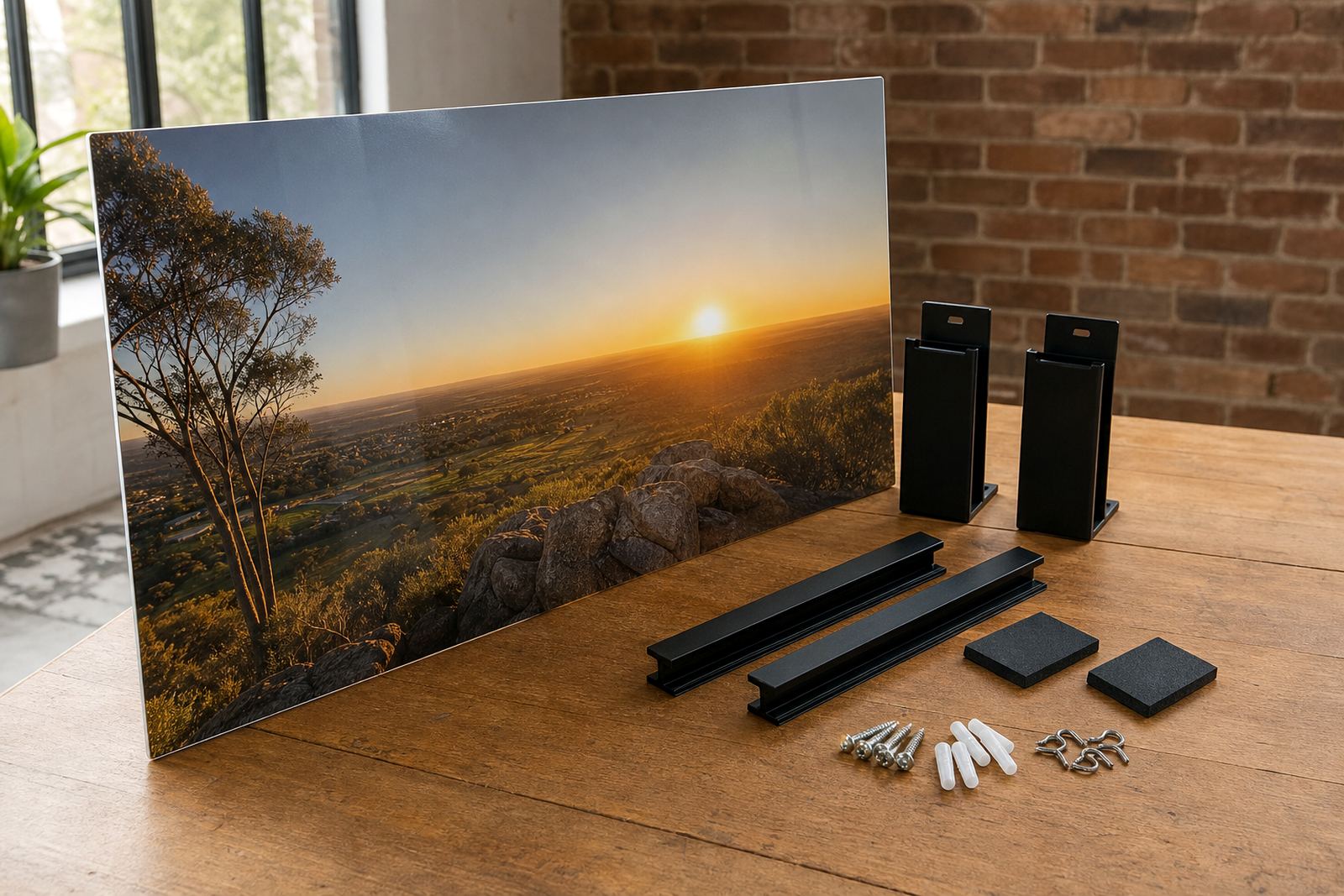
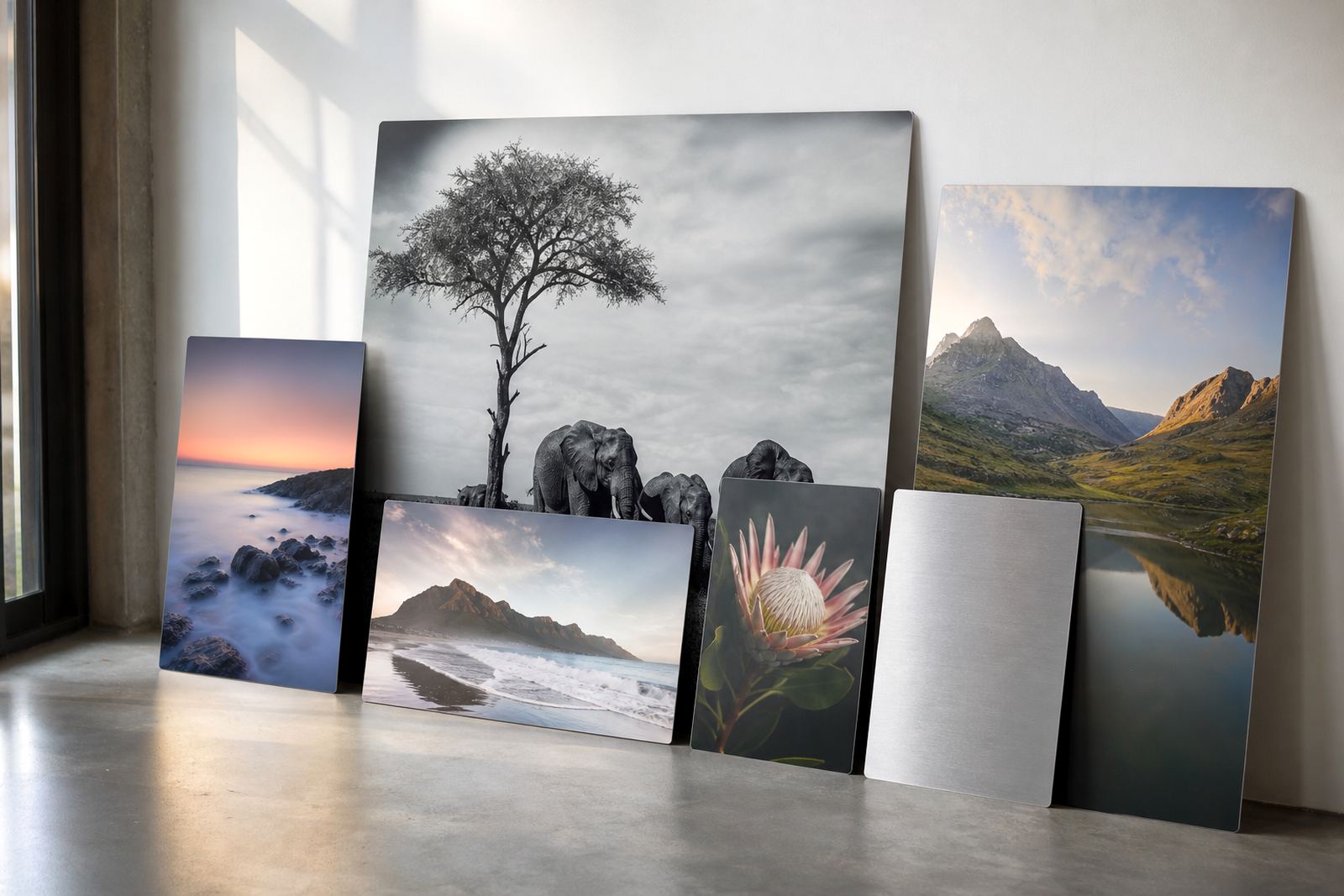
Sublimation aluminium is not a soft paper surface. The coating accepts the ink and the metal backing gives the panel a firm, clean feel. That means colour can appear sharper and more reflective, especially on gloss panels, while matte panels reduce glare and can suit busy office areas or galleries with strong light.
White-coated panels usually give the fullest colour build because the white base supports brighter tones and cleaner skin colour. Brushed aluminium leaves parts of the metal visible through lighter areas of the image, so it is often chosen for industrial looks, monochrome work or designs where the silver tone is part of the artwork. In coastal areas like Durban, that coated finish also helps keep the panel looking neat in humid conditions if it is cared for properly.
Practical file settings that save time later
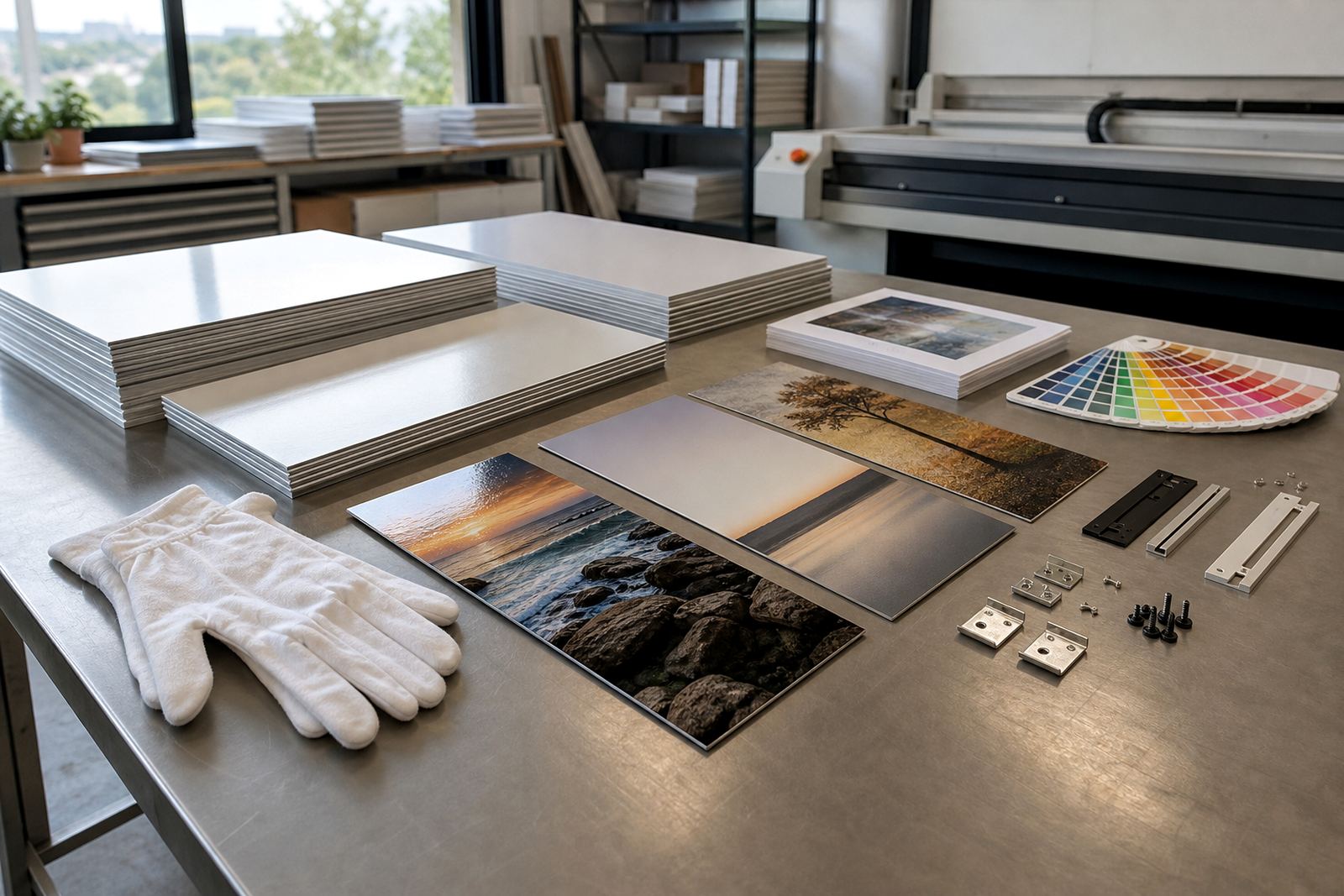
Good file prep begins before the panel is pressed. A high-resolution image gives more room for clean cropping, especially if the picture will be enlarged for a feature wall or arranged as multi panel work. If the file is too small, the edges can soften and fine detail may not hold up well on a larger aluminium print.
When we review files, the main checks are straightforward and they help prevent surprises:
- image resolution suited to the final panel size
- correct crop for the chosen proportions
- embedded colour profile where possible
- clean highlights and shadow detail
- sharpness around faces, text and logo areas
If a brand mark or product shot is being printed for a business in Sandton or Pretoria, small changes in contrast can make a visible difference. A logo with thin lines, for example, may need a little more breathing room than the screen version suggests.
Picking a finish that matches the image and the room
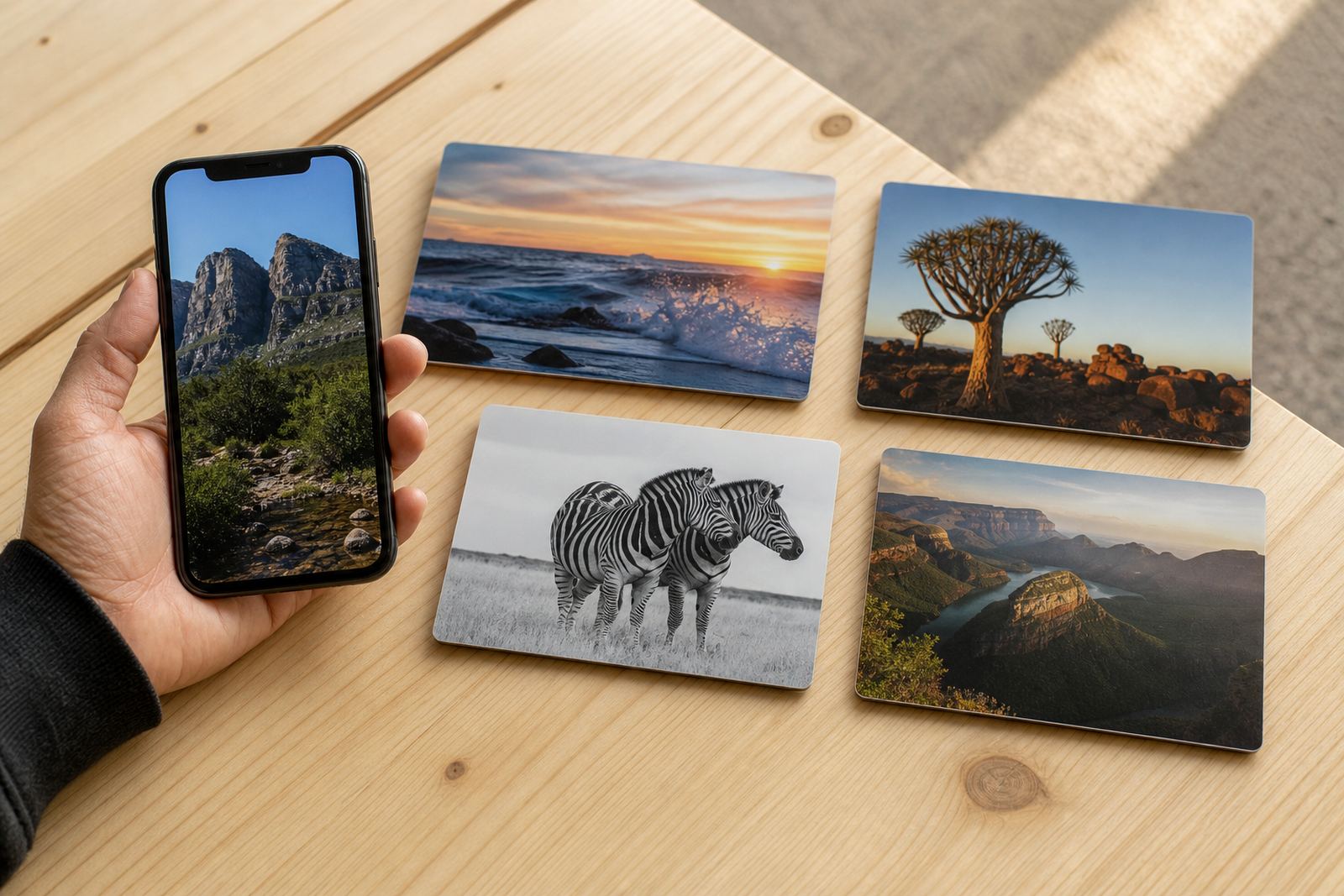
Finish choice affects both colour and viewing comfort. Gloss can make colours appear punchy and rich, but it also reflects more light. Matte is calmer and usually easier on the eye in bright rooms or reception areas. White gives the broadest colour support for most full colour images, while brushed adds a metallic character that suits architectural photography and modern interiors.
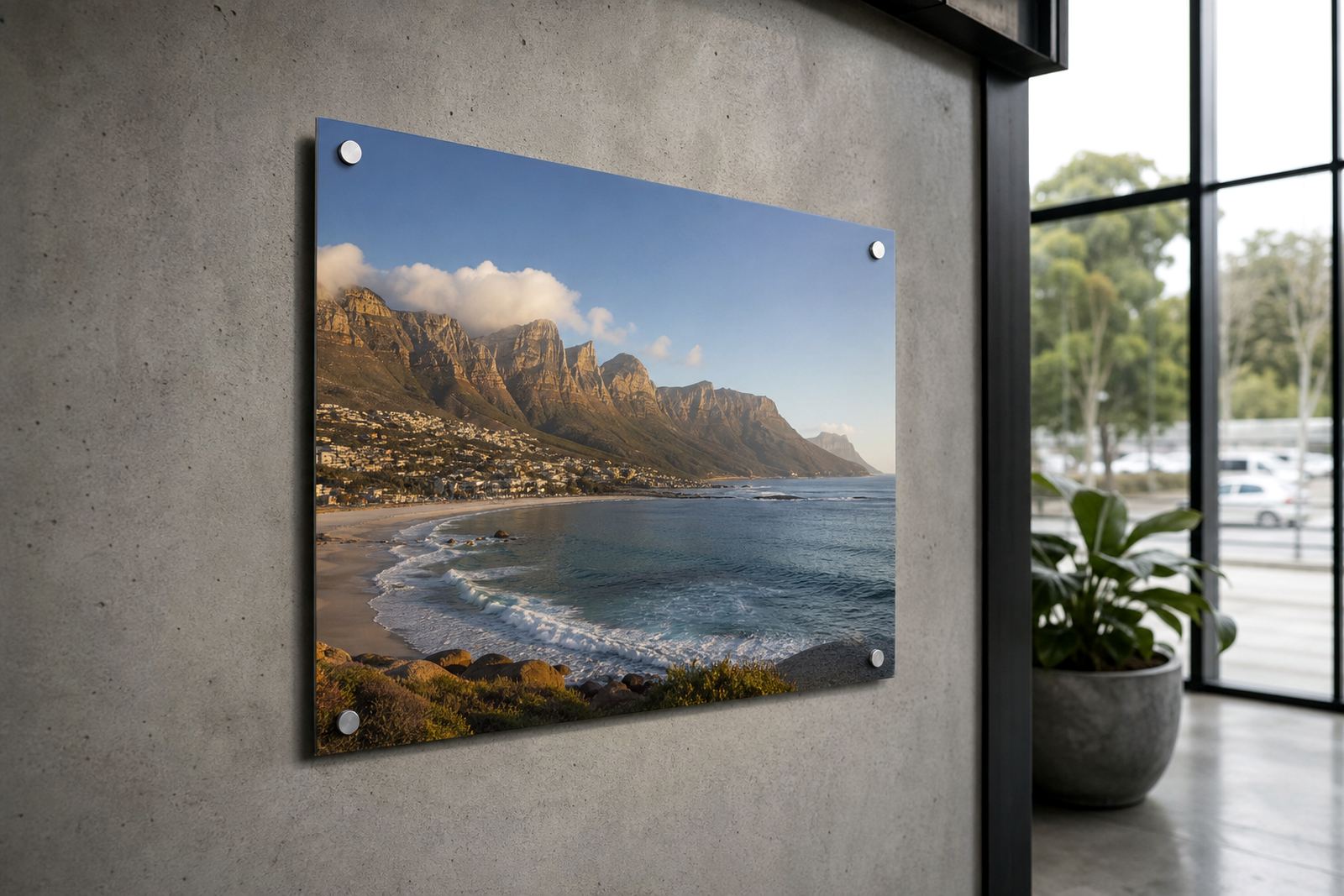
Match the finish to the location rather than guessing from the file alone. A family portrait for a home in Randburg might work beautifully on gloss in a shaded passage, while a corporate image for a Durban office with strong daylight may be better on matte to reduce glare. The same picture can read very differently on each surface, so finish selection is part of colour control, not just a style choice.
A Johannesburg example that shows the difference
A photographer in Johannesburg may send the same image for two uses: a large wall panel for a studio and a smaller gift panel for a client. If the file is edited in one space, then exported without checking how the profile is handled, the first print can look slightly warmer than the second. That kind of shift is avoidable when the source file and output path are planned together.
For local jobs, we often suggest a test panel when the image is important or the colour has to stay tightly controlled. It gives a practical check on skin tones, black levels and the way the selected finish handles light in the room. Once the sample is right, repeat panels are much easier to match.
A few habits make the process steadier:
- keep one master file with the best edits
- avoid repeated saving of low quality copies
- name files clearly so versions do not get mixed
- check the final view in the intended light, not only on a screen
Getting predictable results from the first panel onward
Colour space basics are less about theory and more about control. When the file is prepared cleanly, the finish is chosen with the room in mind and the resolution suits the panel size, sublimation aluminium becomes a dependable medium for portraits, art and brand visuals. The output is then easier to repeat for a set of panels, whether they are going to Cape Town, Gqeberha or a boardroom in Midrand.
It also helps to remember that every image has its own limits. Bright neon artwork, deep shadows and pale skin can each behave differently on coated aluminium. That is why file checks, colour preparation and careful crop planning matter before production begins. A bit of attention upfront usually saves a lot of rework later, especially when the final panels must hang together as one group.