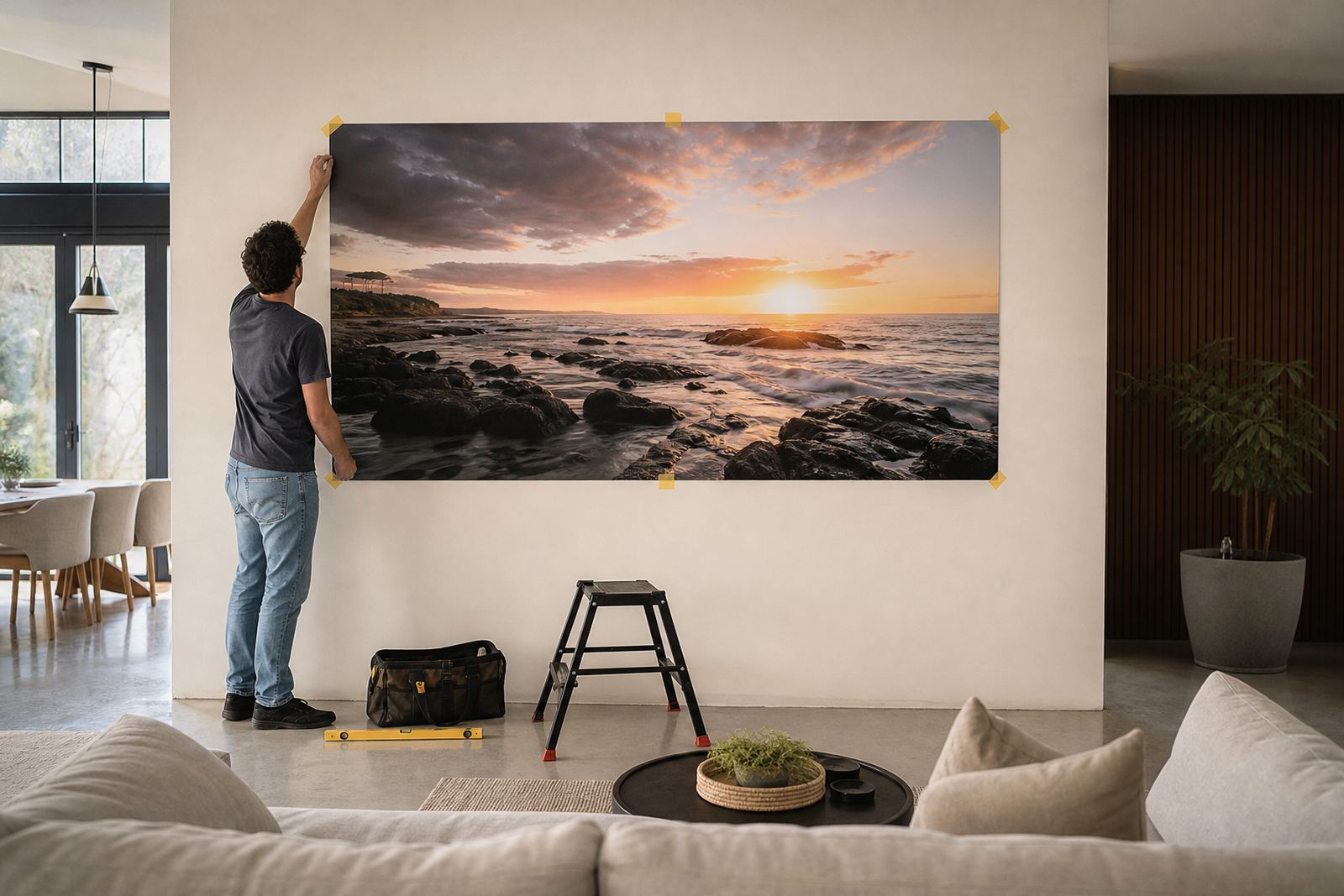

When the screen is doing too much work
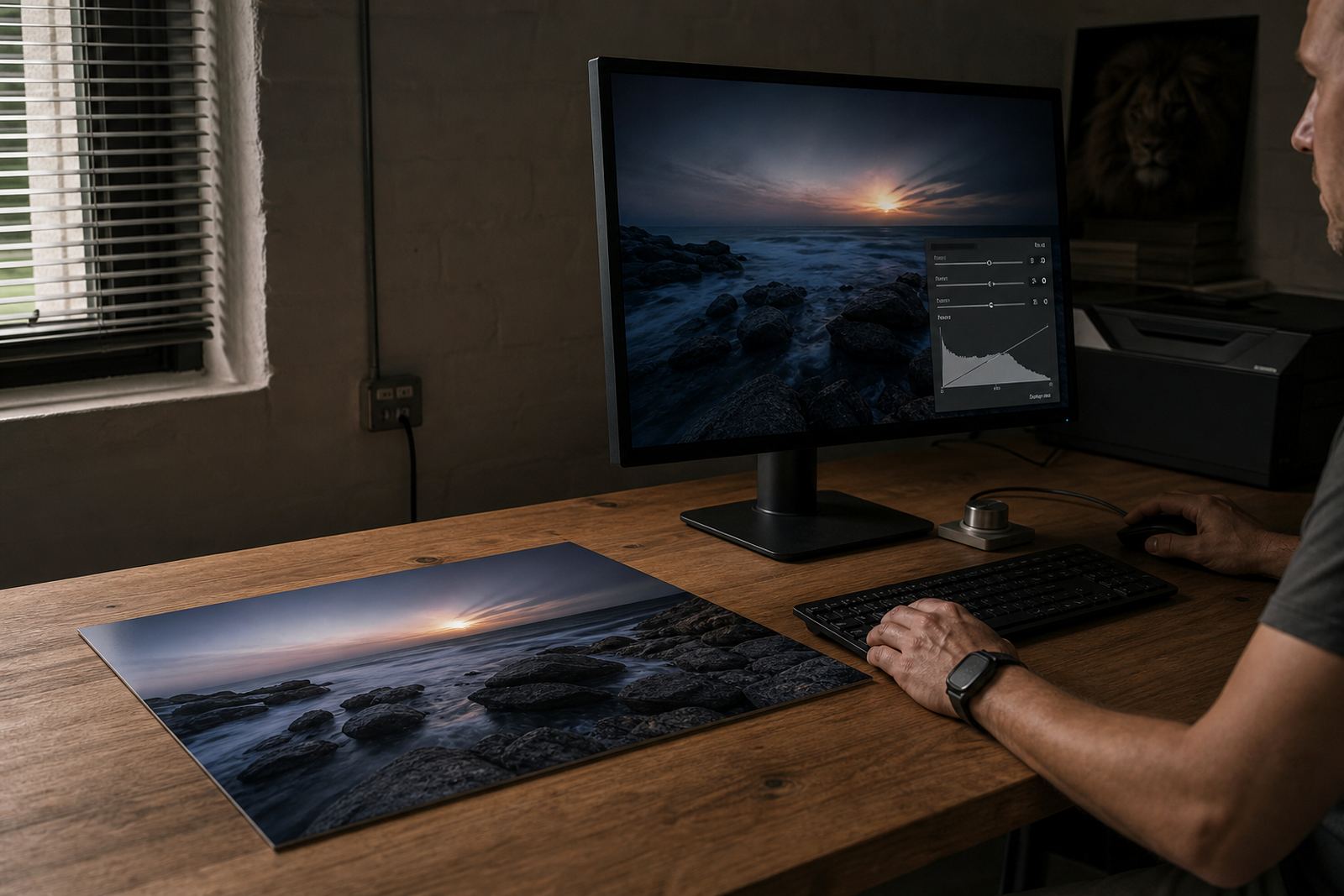
Most people prepare images on screens that are set far brighter than a printed panel will ever appear under normal indoor light. On a glowing display, pale skin tones look crisp, whites look clean and deep colours seem to pop, but the same file can print flatter on a coated aluminium panel if the brightness has been pushed too high.
That gap is not a fault in the print process. Dye sublimation transfers the image into the coating, so the final result depends on the file, the finish and the light where the panel will hang. A file viewed at 100 percent screen brightness in a dark room can easily mislead even experienced users.
- Lower the screen brightness to a more natural viewing level before checking colour.
- View the image in a room with daylight or even white lighting, not only a dark studio.
- Check how bright areas and shadow detail hold together at normal viewing distance.
Why aluminium prints expose weak file preparation
Metal panels are unforgiving in a useful way. Fine detail, strong contrast and clean colour separation can look excellent, but the print will also reveal over-sharpening, clipped highlights and muddy midtones if the file was prepared on an overly bright screen. Gloss finishes can make this even more obvious because they increase perceived contrast and reflections, while matte gives a softer reading of the image.
When a Johannesburg photographer sends a portrait edited on a very bright monitor, the skin can end up too pale on print while the blacks look heavier than expected. That is why file checks, resolution review and colour preparation matter before anything goes to production.
- Keep the original image at a high enough resolution for the final size.
- Avoid lifting shadows too far just to make the image look lively on screen.
- Be careful with highlights in weddings, product shots and white interiors.
Finish choice changes what the eye believes
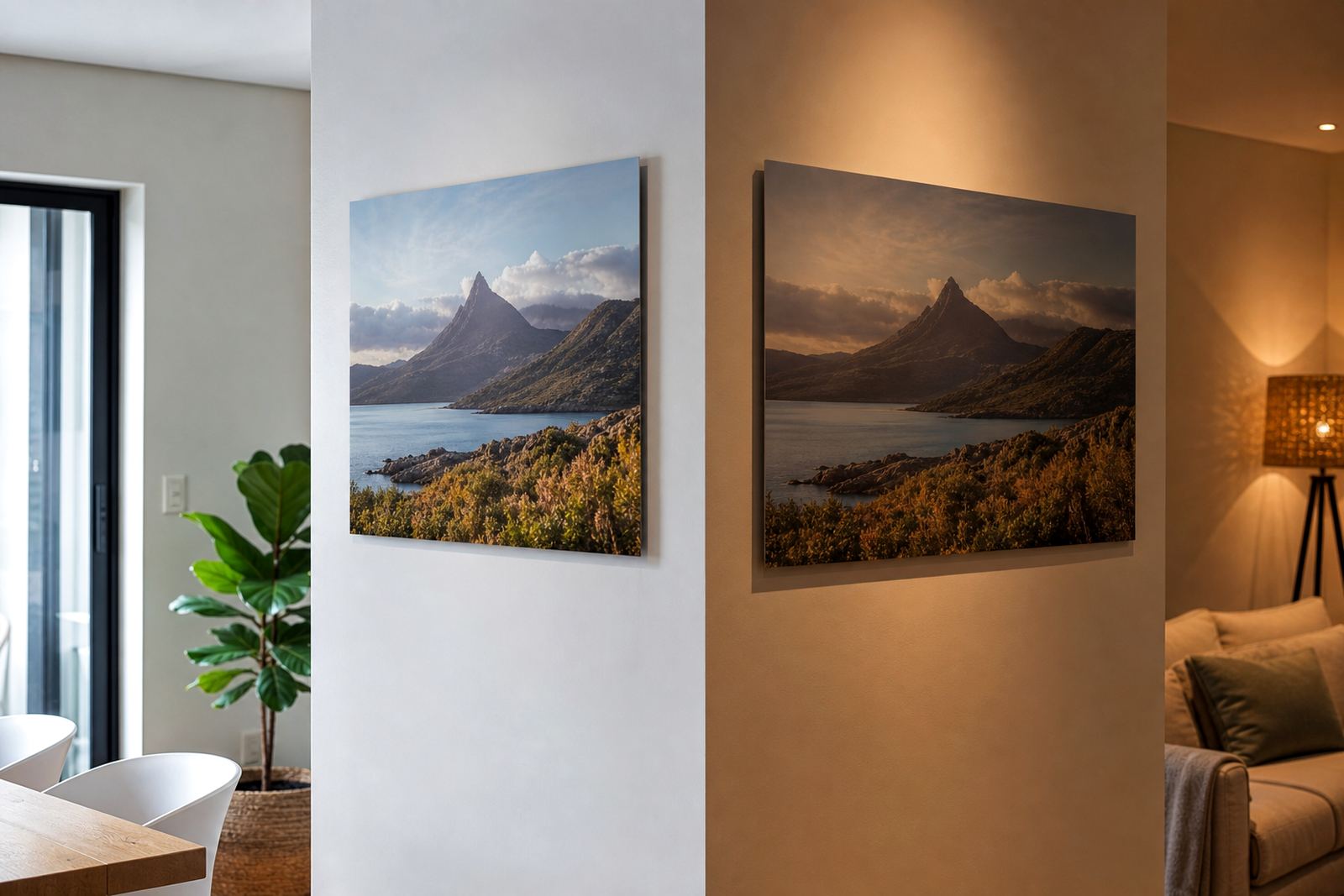
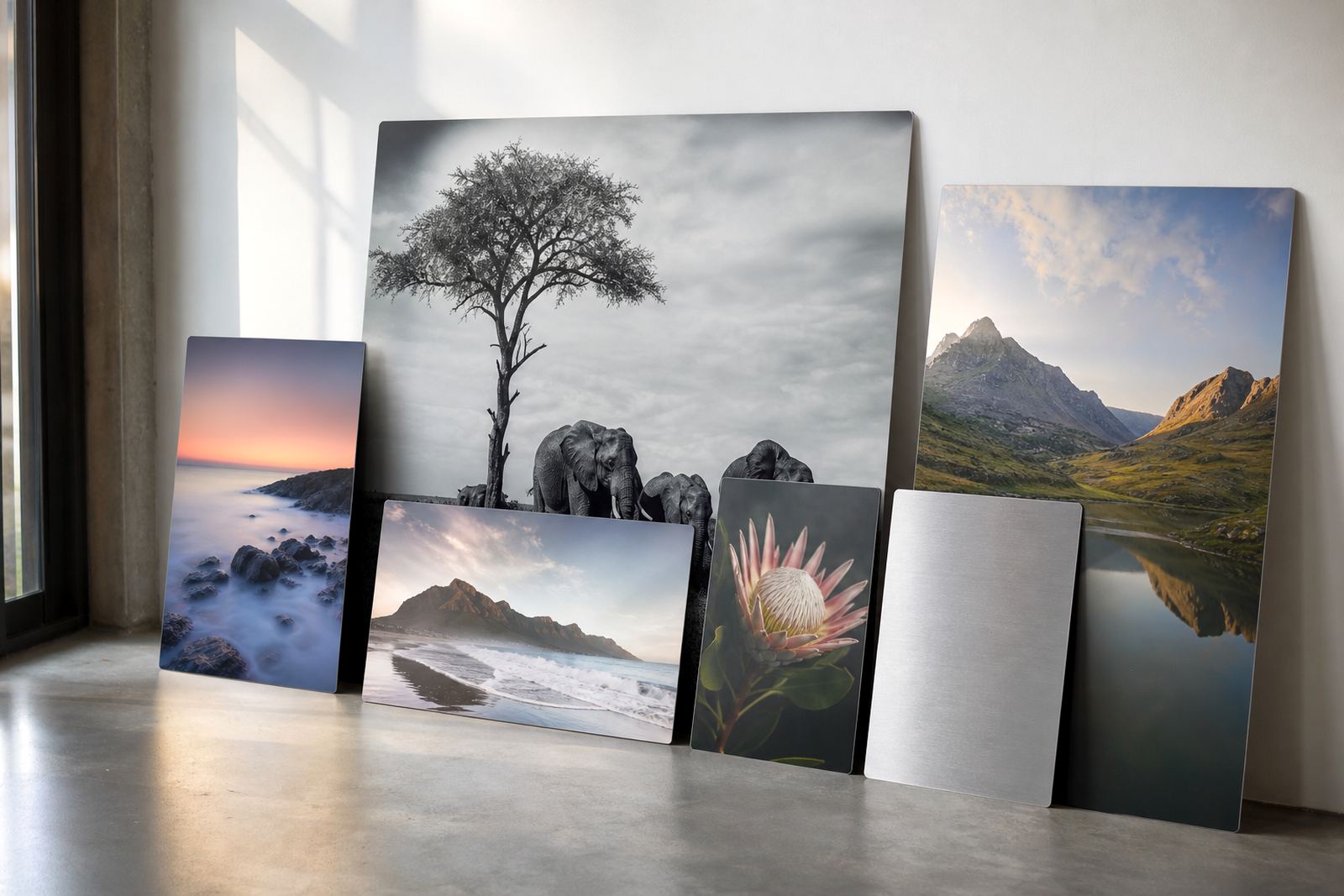
The finish is not only a styling decision. A white aluminium panel gives the image a clean, full colour base, while brushed aluminium can leave metallic areas visible and work well for industrial subjects, monochrome work or design pieces with exposed silver tones. Gloss brings more punch, matte reduces glare, and both can change how bright the image appears in a room.
For offices in Sandton or reception areas in Cape Town with strong window light, a matte finish may be easier to view through the day. In a gallery, gloss may suit a dramatic image but it needs careful placement because reflections can make viewers think the file is darker or brighter than it is.
- Choose finish based on where the panel will hang, not only on the file itself.
- Ask for a test panel when you are unsure about contrast or tone.
- Consider the wall colour and the amount of daylight the room gets.
The most common screen brightness mistakes we see
Some files arrive looking perfect on the sender’s monitor and then need correction before printing. The usual pattern is simple: the screen is set too bright, the image was edited in a dim room, and the final file has more contrast than the eye can judge correctly. This often happens with portrait work, travel images and corporate graphics where a clean, polished look matters.
Another common issue is editing on a laptop with automatic brightness changes switched on. The screen shifts as you move rooms, so one image may be processed brighter than the next without you noticing. That makes colour matching far harder, especially when the same image needs to be reprinted later.
- Turn off automatic brightness adjustments while editing.
- Use the same viewing light each time you prepare a file.
- Keep a saved master file so colour corrections can be repeated later if needed.
A Randburg example that shows the problem
A business in Randburg sent a set of branch photos for aluminium panels to hang in a boardroom and foyer. On screen the images looked bold and balanced, but once the files were checked properly the highlights were too hot and the darker building edges were almost disappearing. The room where the prints would hang had strong morning light from the side, so the first edit would have looked harsher in real life than on the monitor.
After colour preparation and a small test panel, the tones were brought back into a more natural range. The final panels held detail in the shadows, the whites stayed controlled and the set looked consistent across all locations. That kind of correction saves time, money and reprint frustration.
- Always think about the destination wall and lighting, not only the file preview.
- Use test panels when the image has delicate skin tones, smoke, sky or subtle gradients.
- Match the tone across multiple panels if the order will be displayed together.
Better file checks before the panel is made
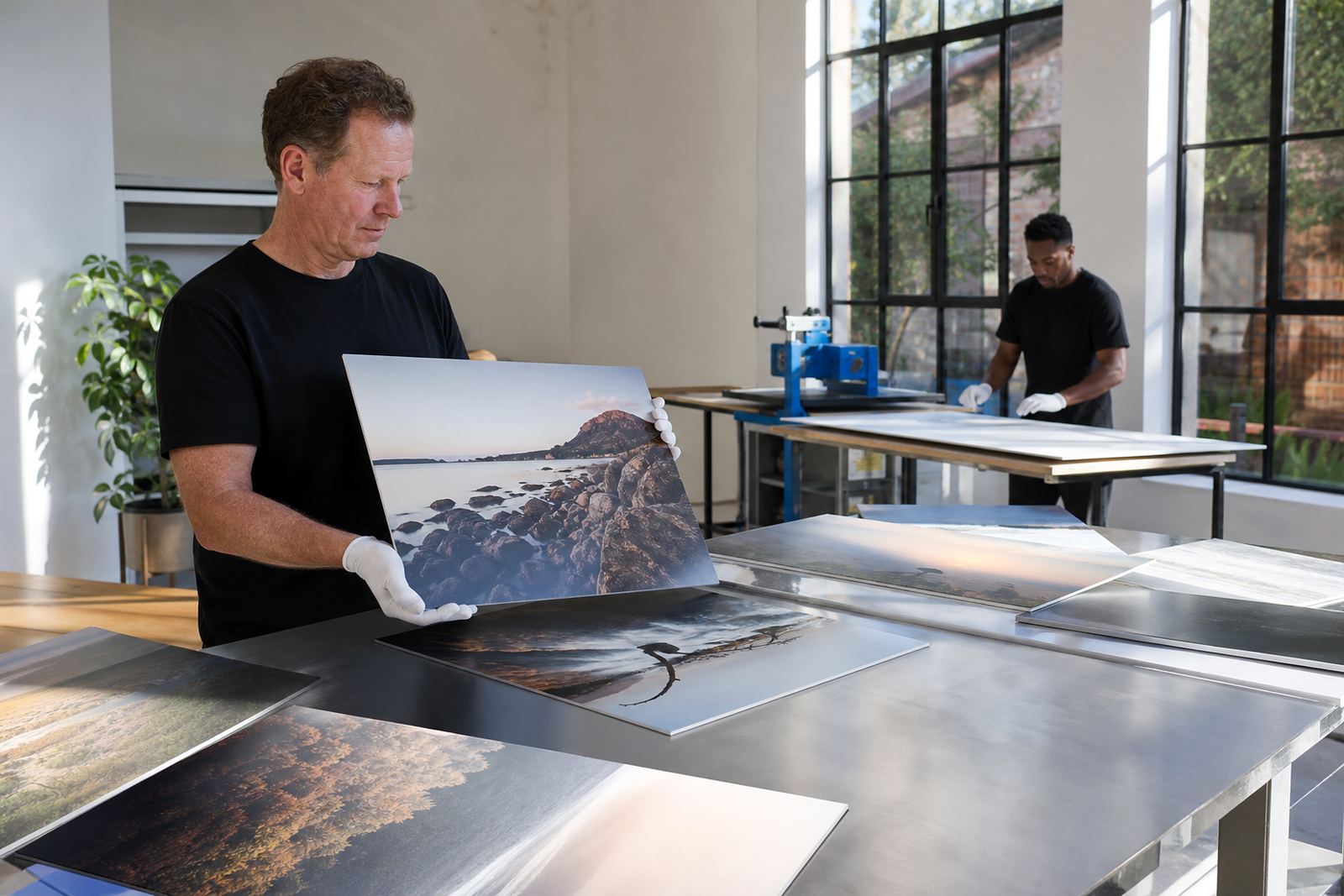
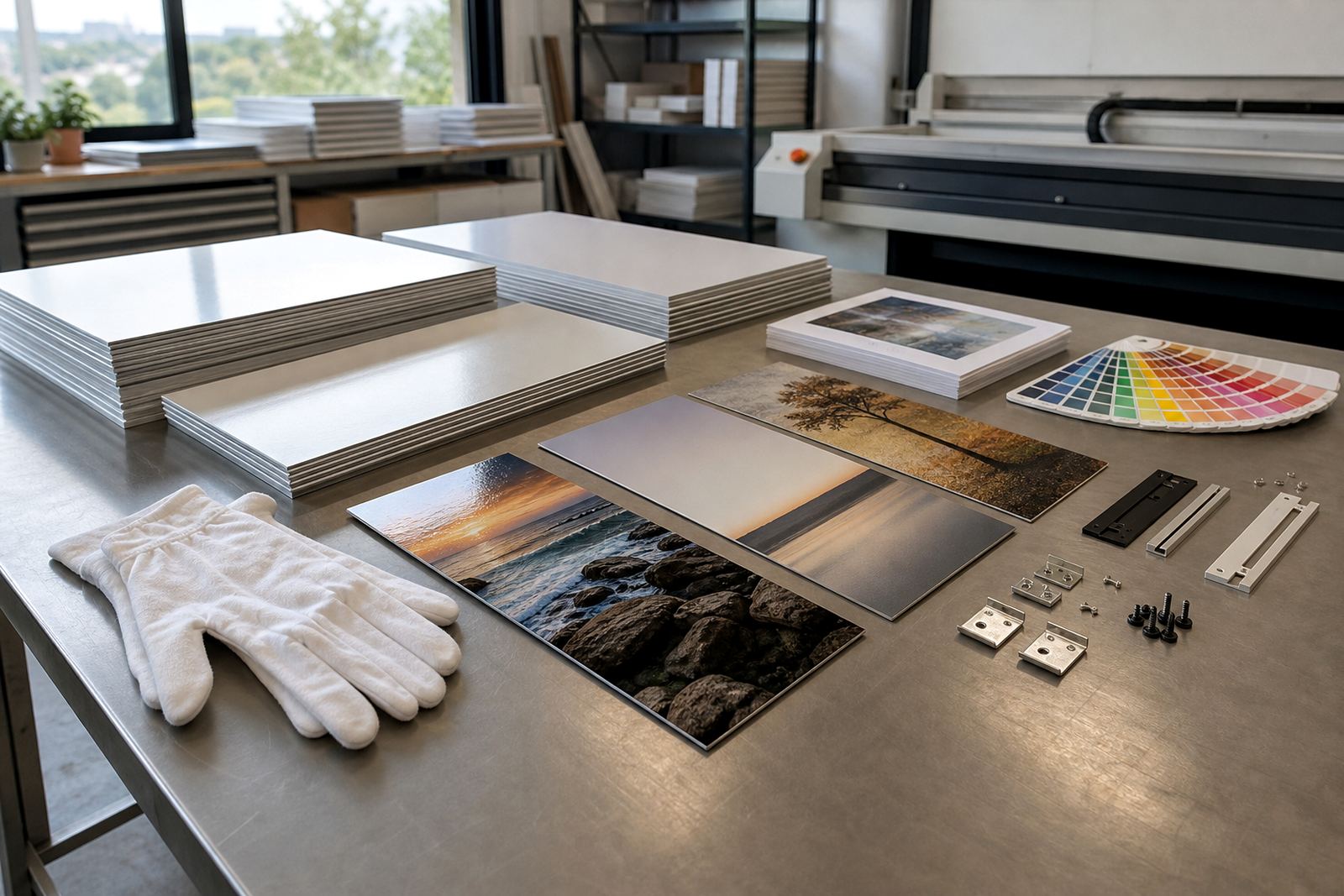
Good production starts with practical checks. Resolution review confirms the image can hold detail at the finished size, crop planning makes sure nothing important is lost at the edges, and colour preparation keeps the print closer to the intended look. For mounted work, the hanging hardware should also suit the weight and the wall type so the panel sits properly and safely.
If the source file is too bright, the fix is usually not to simply darken it across the board. The right approach is to assess contrast, midtones and highlight detail separately, then adjust the file so it prints well on coated aluminium. Customers should only send images they own or have the rights to use, especially for business displays, resale pieces and client work.
- Check the file at 100 percent and also from a normal viewing distance.
- Confirm the final size before approving the crop.
- Choose mounting options that suit the panel size and the wall surface.