
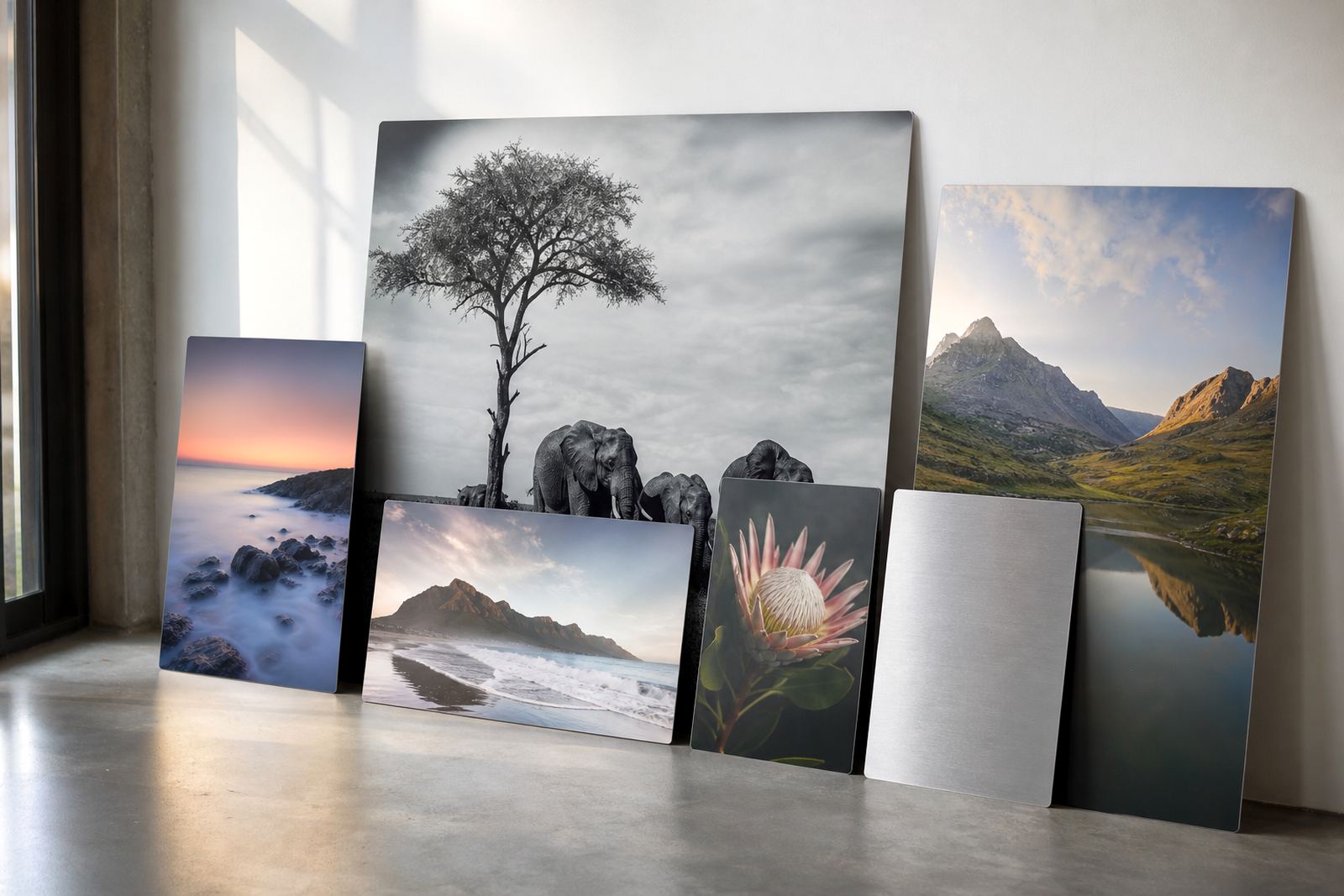
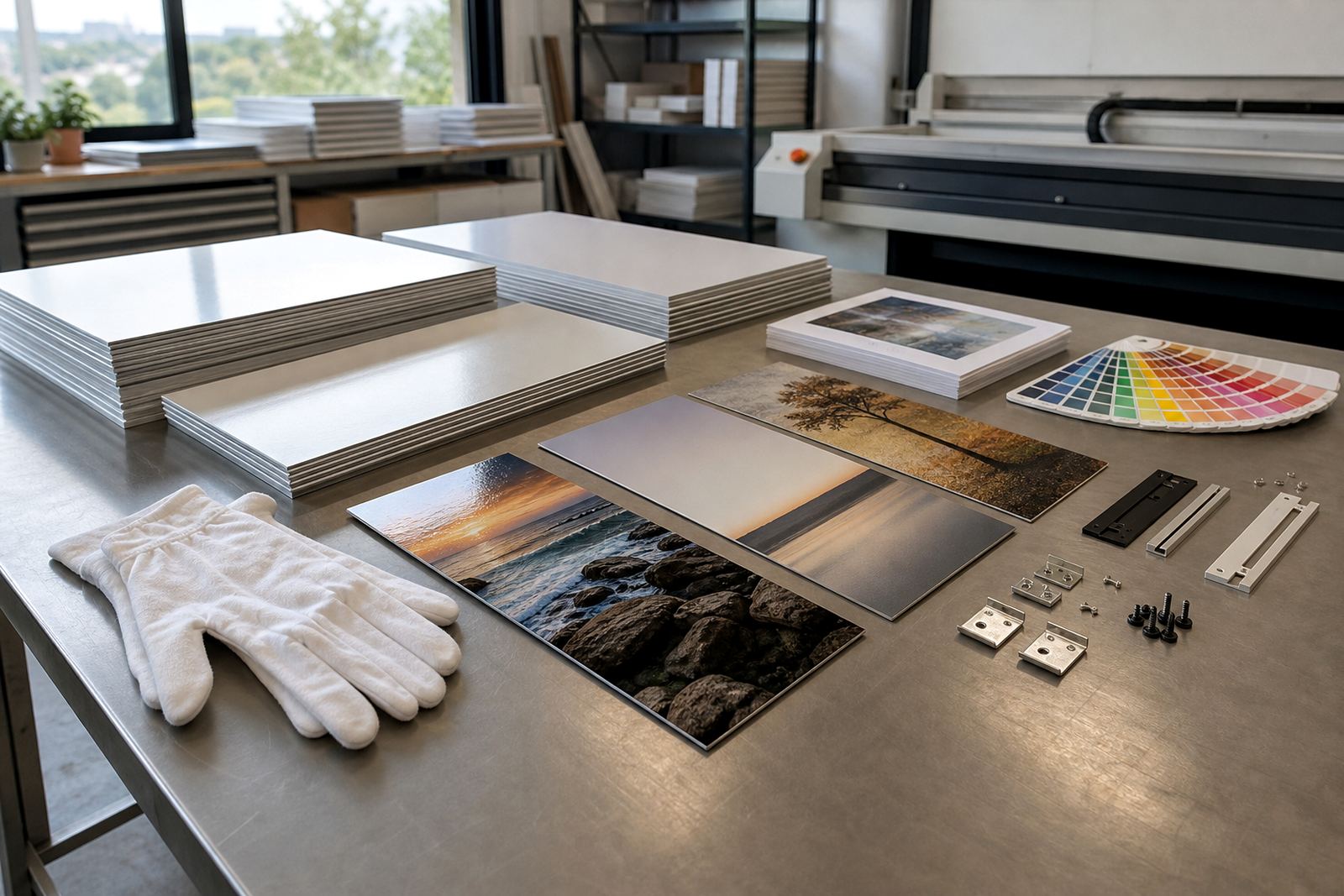
Start with the image that can hold its own on metal
Use the highest quality original you have. For photographs, that usually means the camera file or a full resolution export from your editing software. For artwork, use a clean source file with enough detail to stay sharp at the final size. A small image stretched onto a larger panel will show softness, blocky edges and loss of tone, especially in skies, skin tones and fine text.
As a general guide, aim for 300 dpi at the final print size where possible. For larger panels, a lower resolution may still work if the viewing distance is greater, but do not let the file be fuzzy to begin with. If your image has been taken from social media or a messaging app it is often compressed, which can leave visible artefacts after printing.
- Use the original camera file or a properly exported high resolution file
- Check that the subject still looks crisp at the final panel size
- Avoid screenshots, forwarded images and heavily compressed copies
- Keep text, logos and fine details large enough to read from the expected viewing distance
Give the panel the right shape before anyone starts printing
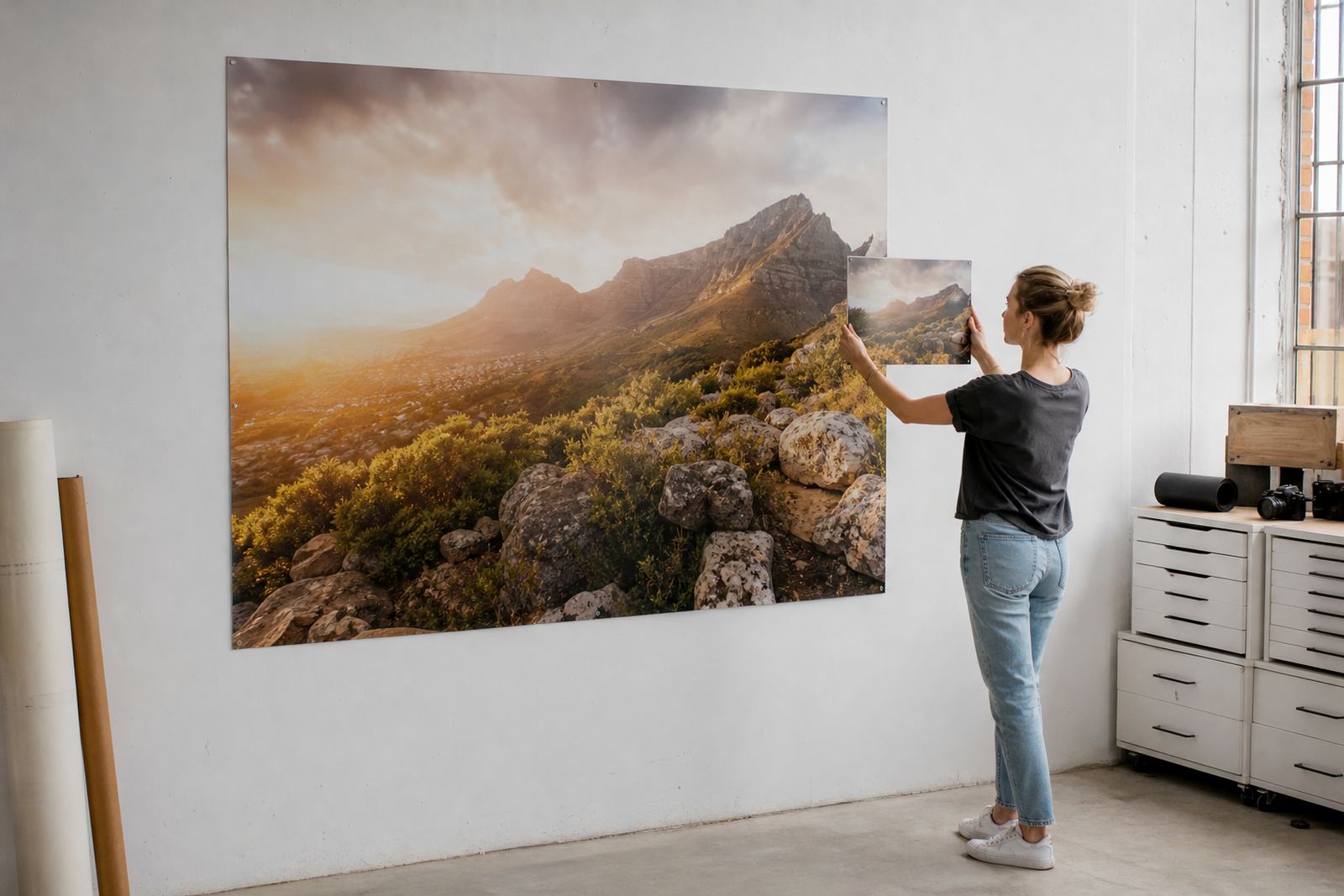
The size and shape of the panel should be set before final artwork adjustments. Aluminium photo panels are commonly used in standard ratios like landscape, portrait and square, but custom sizing is also possible. If your photo has a different crop to the panel, decide what must stay in frame and what can be trimmed. This is especially important for wedding portraits, product shots and architectural images where a hand, logo or building edge can be cut off by mistake.
Leave a little breathing room around key details. Faces, signatures, borders and text should not sit too close to the edge unless the design is meant to run full bleed. If you are ordering a multi panel layout, plan the joins early so that important parts of the image do not fall across a gap.
- Confirm the final size in millimetres before exporting
- Check the crop on faces, logos, captions and horizons
- Allow safe margins for text and important detail
- For triptychs or sets, map the full image across all panels first
Choose the finish before colour is locked in
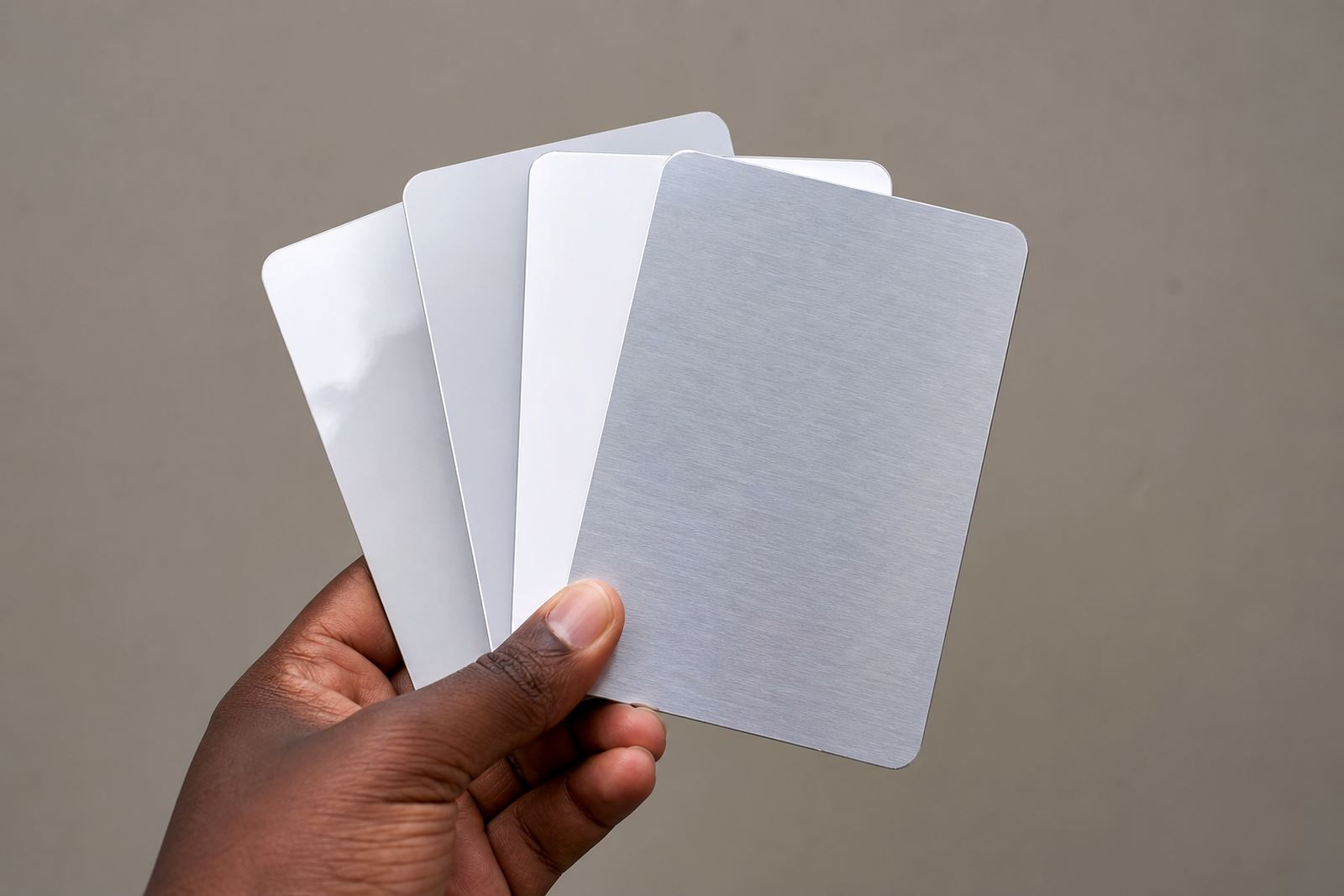
Finish affects both the look and the feel of the panel. Gloss gives more punch to colour and shine, but it can show reflections under bright office lights or near windows. Matte reduces glare and suits softer photography, portraits and spaces with strong daylight. White coated aluminium gives a clean base for full colour imagery, while brushed aluminium lets parts of the metal show through in lighter areas for a more industrial or graphic look.
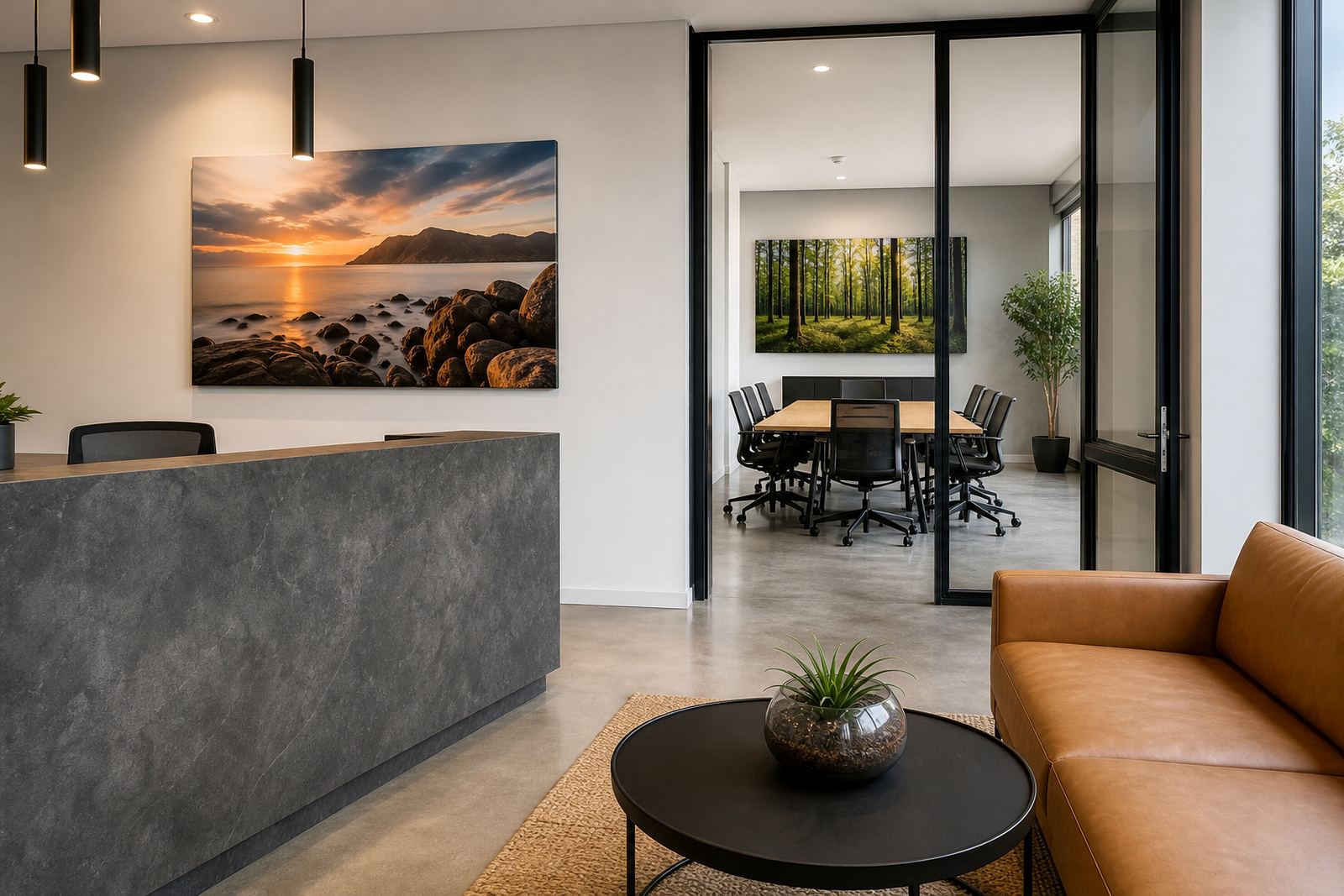
Match the finish to the image and to where the panel will hang. A Durban office with bright coastal light may benefit from matte, while a gallery wall in Sandton or Cape Town could suit gloss if the lighting is controlled. If the image carries fine tonal transitions, ask for a test panel or proof when needed so the final result is clear before the full run.
- Gloss for strong colour and a brighter finish
- Matte for lower glare in offices, homes and display areas
- White base for full colour work and accurate image reproduction
- Brushed finish for a metallic effect in selected lighter areas
Colour files behave differently once they meet coated aluminium
Dye sublimation transfers colour into a coated aluminium surface under heat and pressure. That means the file should be prepared with care, because what looks perfect on a backlit screen may print darker or flatter if the colours are not balanced first. Blacks, deep blues, red skin tones and strong greens need special attention. A clean edit with correct contrast usually gives a better result than a file pushed too hard in post production.
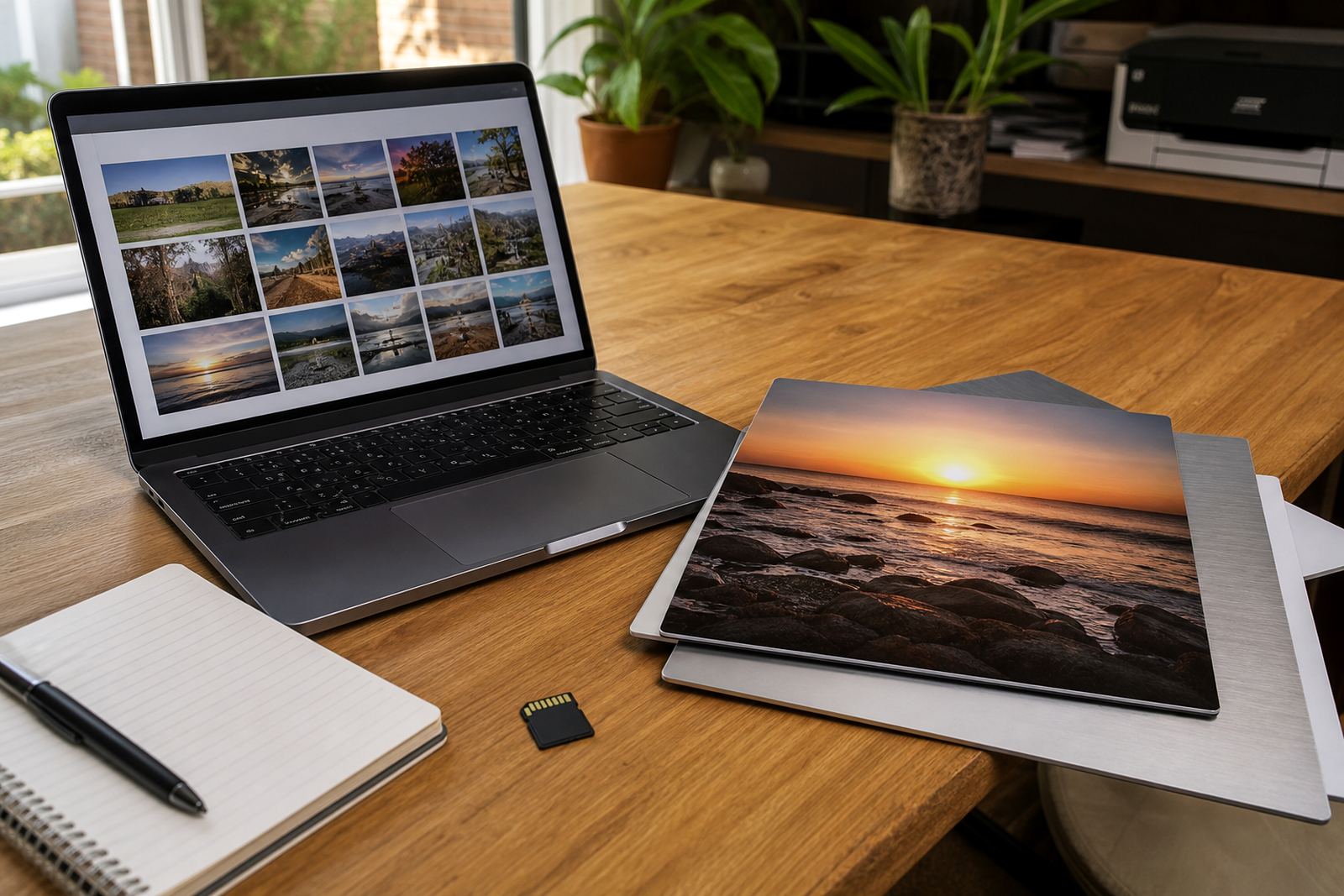
Work in a standard colour space unless you have been asked otherwise. Remove dust spots, stray marks and unwanted backgrounds. If your image has been edited on more than one device, check it on a calibrated screen where possible. Colour can shift between a phone, a laptop and the printed panel, so it helps to review the final version before sending it in.
- Check exposure, contrast and white balance before export
- Remove dust, banding, compression marks and distractions
- Use a clean, final version rather than a working draft
- If colour accuracy matters, request a review before production
Text, logos and product shots need extra discipline
Business panels often carry logos, service lists or product photography, and these files need extra care. Keep type large enough to read clearly and avoid thin lines that may disappear when printed. Logos should be supplied as the best available file, not copied from a website if a proper artwork file exists. Product images must be sharp across the full surface, with even lighting and no colour cast from mixed indoor light.
If the panel is going into a reception, showroom or boardroom, ask how it will be seen. At close range, a visitor notices fine detail and printing flaws. At a distance, bold composition and clear contrast matter more. It helps to check how the file reads both on screen and at full size.
- Use high quality vector artwork where available for logos and text
- Keep small lettering to a sensible size for the viewing distance
- Avoid mixed lighting in product photos where possible
- Test readability on screen before sending the final file
Rights, mounting and delivery details that prevent delays
Please only send images you own or have permission to use. This applies to photographs, artwork, logos and any third party content included in the design. Once the file is approved, production can move faster if the delivery details, mounting choice and panel quantity are clear from the start. Hanging hardware should be selected to suit the wall surface and the panel size, whether the panel will be fixed in a home, gallery, retail space or office.
For South African orders, it also helps to think about where the panel will be installed.A packed panel should travel well and arrive ready for mounting, with the right protection for transport between Randburg and the rest of the country.
- Send only files you have the right to reproduce
- Confirm mounting style, wall type and installation space
- Tell us if the panel will be exposed to bright sunlight or humid conditions
- Check the delivery area and any access notes for the site
If you need file checks, resolution review, colour preparation, crop planning, finish selection, test panels, custom sizing, mounting options, multi panel layouts, packing and delivery, care advice or reprint matching, include those notes with your enquiry so the job can be handled properly from the start.