
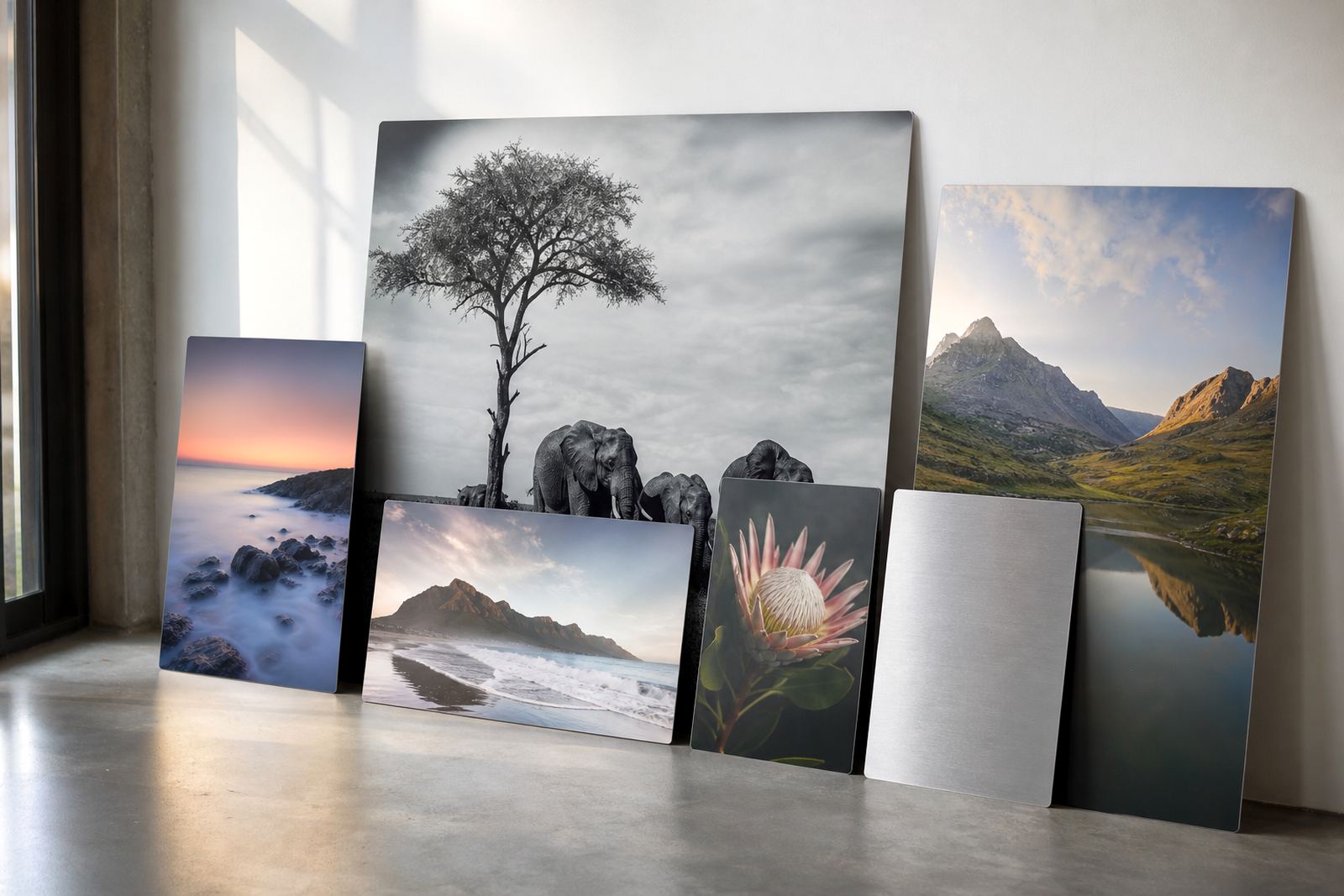
Start with the wall, not the picture
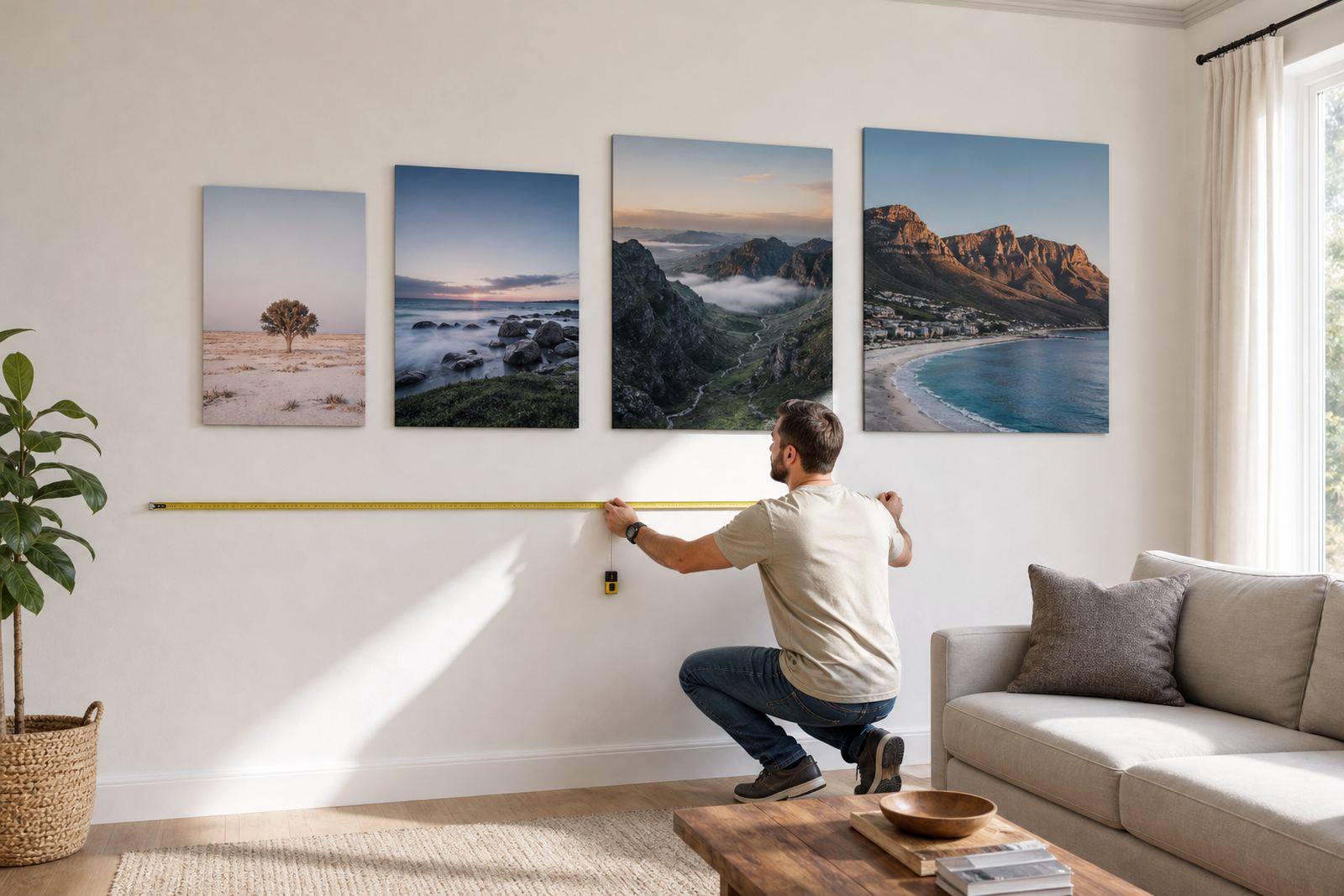
Before you split an image, measure the wall space exactly. Note the usable width, height, nearby doors, skirtings, switches and any furniture that sits under the set. In Randburg homes, Sandton offices and Durban coastal interiors, the viewing distance can change the way a panel set feels, so a layout that looks balanced at 2 metres may feel cramped at 5 metres. If the wall is long and narrow, a horizontal set often works better. For a stairwell or tall niche, a vertical arrangement usually makes more sense.
When planning the arrangement, think in terms of the whole footprint. Add the gaps between panels, not just the print sizes, because those spaces are part of the design. A neat multi panel layout should feel intentional even when the room is busy. If you are unsure, mock the layout on the floor with cardboard cut to size, or mark the wall with low tack tape first.
One image, many panels, or a full picture wall
Splitting one image across several aluminium panels works best when the subject has strong lines, open sky, water, architecture or other areas that can cross the joins without awkward cuts. Portraits can also work, but you need to keep faces and key details away from the panel joins. If the image has fine text or small details, it may be safer as one larger panel or as a group of separate prints rather than a split composition.
- Use one image across 2 to 5 panels when the scene has flow and clear visual anchors.
- Use separate images when each panel needs its own message, such as in a boardroom or reception area.
- Mix one hero image with smaller side panels if you want movement without losing focus.
- Keep all images in the same colour family if they will hang on one wall.
For businesses in Johannesburg, Pretoria and Cape Town, a grouped wall can carry branding, product shots or local scenery in one clean line. The trick is to keep the spacing even so the eye moves easily from one panel to the next.
Choose finishes that suit the room and the light
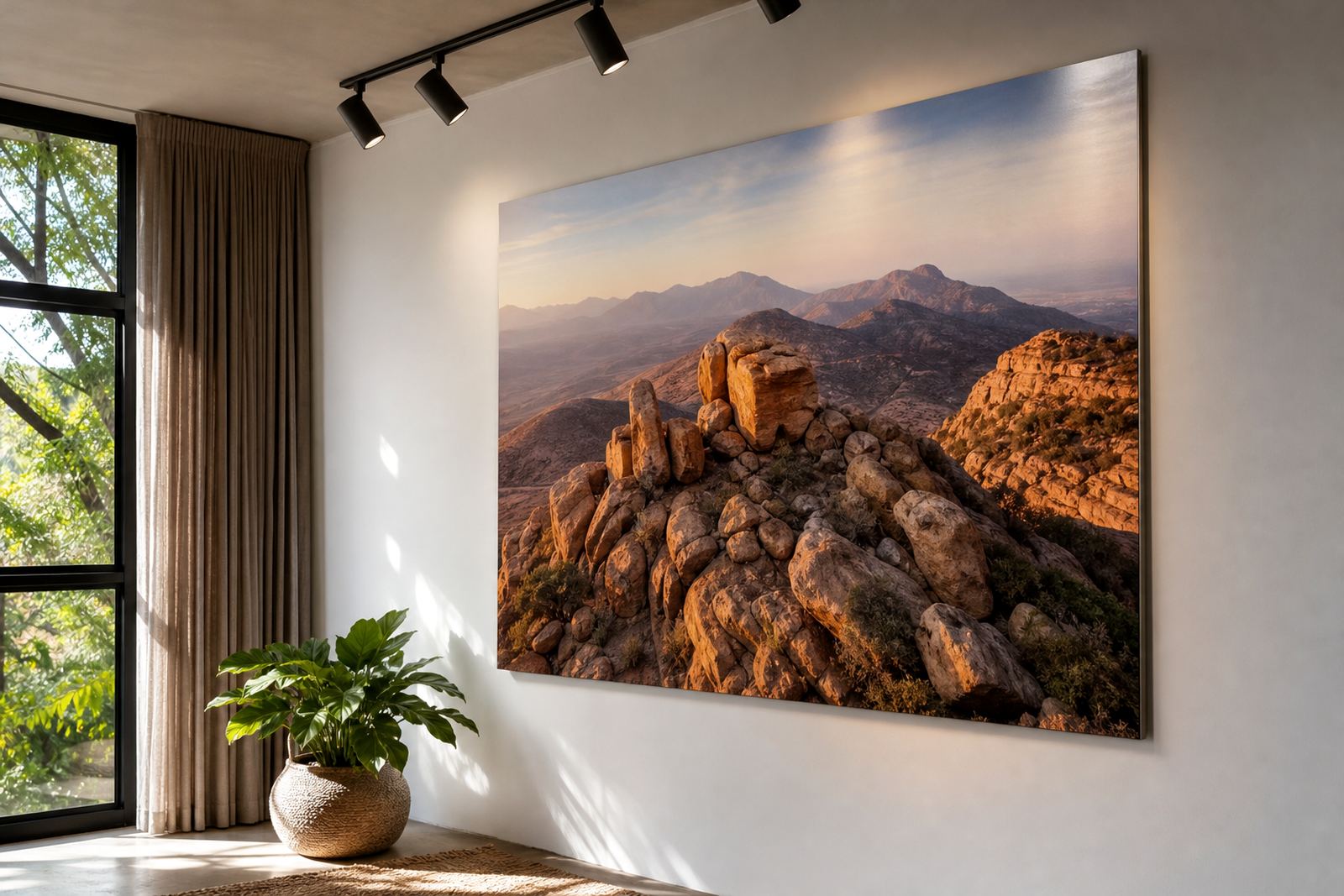
Aluminium photo panels can be produced in gloss, matte, white or brushed finishes. Each one changes how the image reads. Gloss gives strong colour and a sharper feel, but it can catch reflections in bright rooms or near glass. Matte cuts glare and suits offices, waiting areas and homes with strong daylight. White-coated panels are best when you want full colour and a clean base. Brushed aluminium works well for images with dark areas, industrial subjects or a more textured look, though any unprinted metal shows through differently depending on the artwork.
If the wall sits under warm bulbs, test how skin tones and greys respond before final production. For coastal areas like Durban and Gqeberha, matte and white finishes are often easier to live with because humidity, direct sunlight and window glare can all affect the viewing experience. A test panel is useful when you are not sure how a file will behave on the chosen surface.
File prep that saves trouble at production stage
High quality input files make multi panel sets easier to plan. Send the best resolution you have, and make sure you own the images or have the right to use them. If a photograph is being stretched across several panels, the source file needs enough detail for the full finished size. Low resolution can look acceptable on a phone, but it will show softness once the panels are printed and mounted.
Before production, check crop lines, edge bleed and the placement of key subjects. A face, logo or landmark can be cut awkwardly if the split is not considered early. Colour preparation matters too, especially when the set will be displayed next to painted walls, timber furniture or other artwork. If the same image is being repeated on multiple panels, ask for a test panel or proofing check so the tones stay consistent across the full run.
- Supply the highest resolution file available.
- Keep important details away from panel joins.
- Check that your image rights are in order.
- Ask for crop planning before final print approval.
Spacing, scale and hanging hardware
The gaps between panels should be consistent. Too tight and the set can feel crowded. Too wide and the image loses its connection. A practical gap is usually planned around the room size and viewing distance, but the exact spacing should be set with the layout, not guessed. For larger walls in offices or hospitality spaces, a slightly wider gap can help each panel breathe. In smaller rooms, closer spacing often looks cleaner.
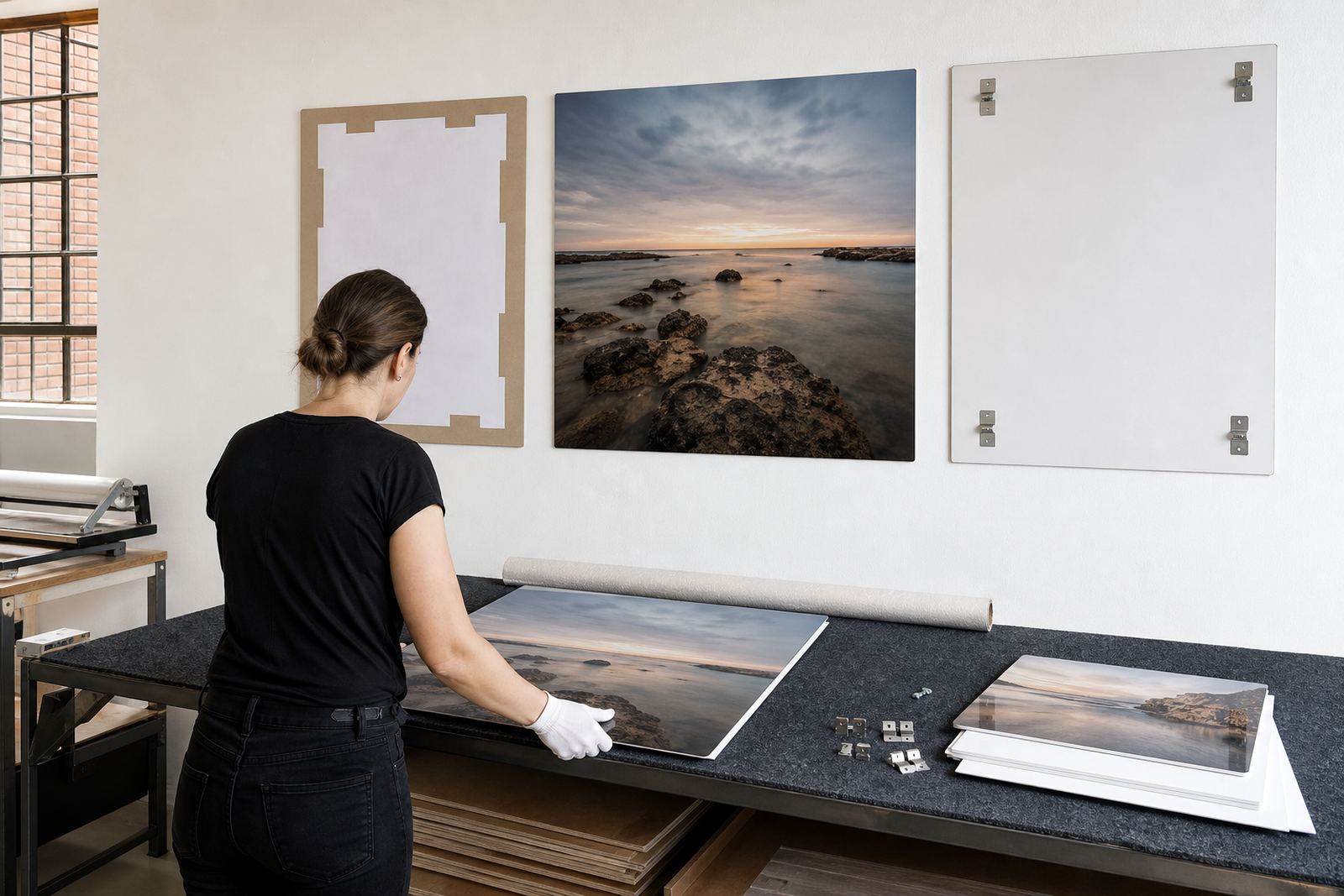
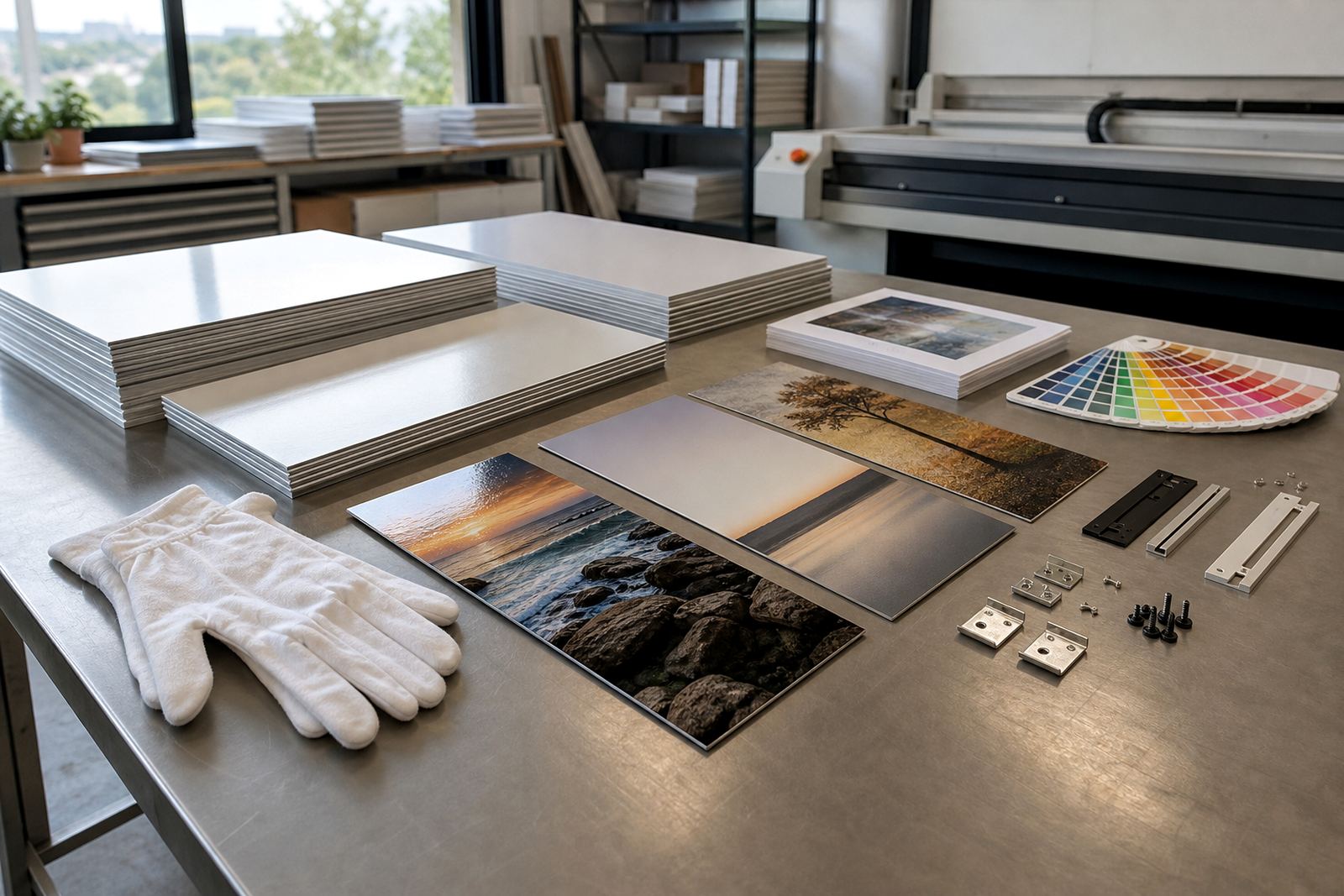
Scale also matters. A set that is too small gets lost on a large wall, while an oversized layout can overpower furniture. Measure from the centre line of the wall and work outward so the set stays balanced. Hanging hardware should match the panel size and weight, and the wall surface must be suitable for the fixing method. Brick, drywall and concrete all need different fittings. If the wall is uneven, allow for that during mounting so the panels hang flush and level.
From proof to packing, the practical checks
Before final production, run a simple checklist. Confirm the final panel count, sizes, orientation and finish. Check the crop, the colour balance and the spacing between images. If the order includes more than one panel, make sure the numbering is clear so installation is straightforward. Reprint matching is worth considering if you may add to the set later, because a second run should sit comfortably with the first one.
- Final size and orientation confirmed.
- Panel count and sequence checked.
- Finish selected for the room lighting.
- Mounting method matched to the wall.
- Delivery address and access details confirmed.
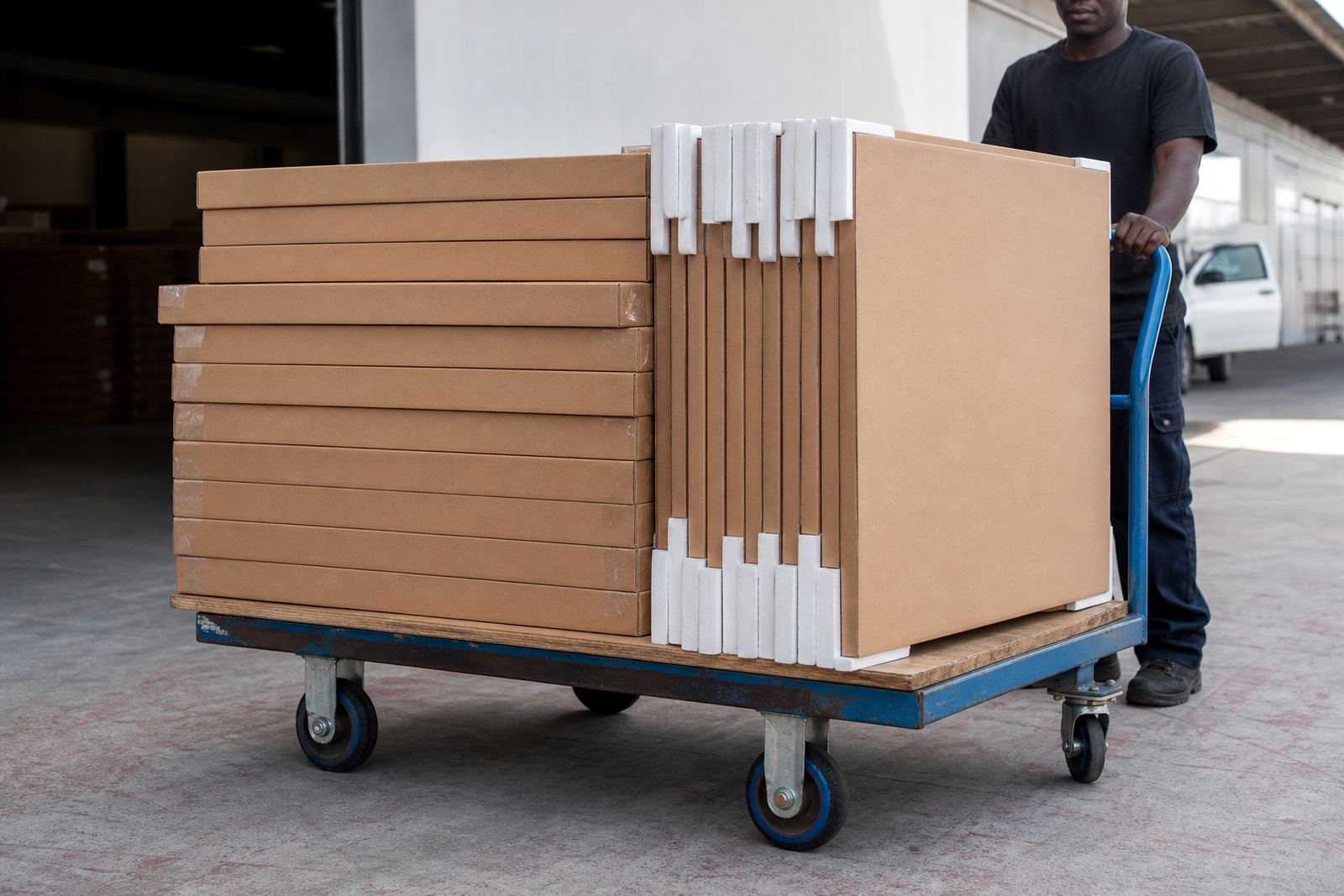
At our Randburg base, we handle file checks, resolution review, colour preparation, finish selection, custom sizing, mounting options and packing for delivery across Johannesburg, Pretoria, Midrand, Sandton, Cape Town, Durban and Gqeberha. A well planned multi panel set should arrive ready for the wall, not ready for guesswork.