
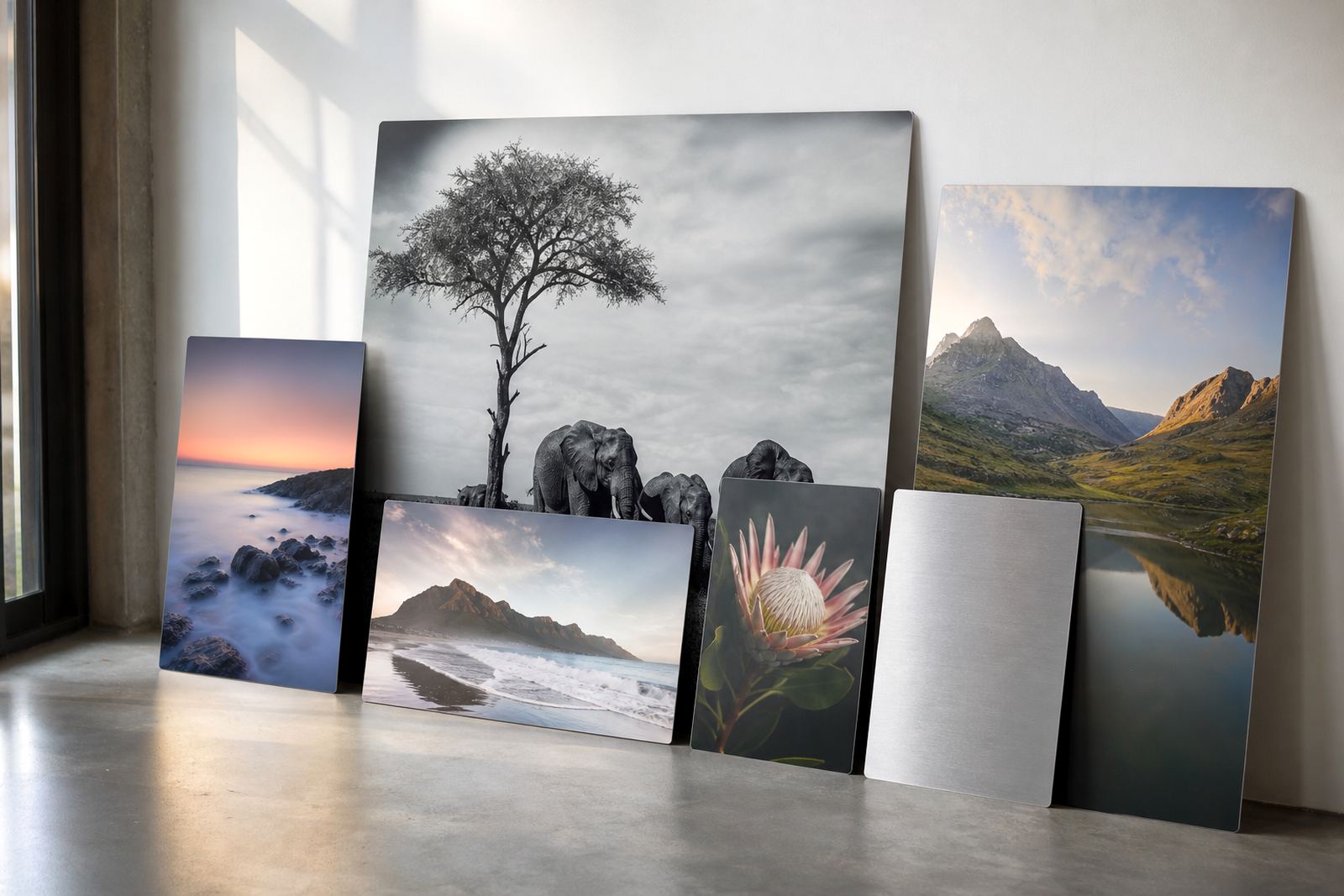
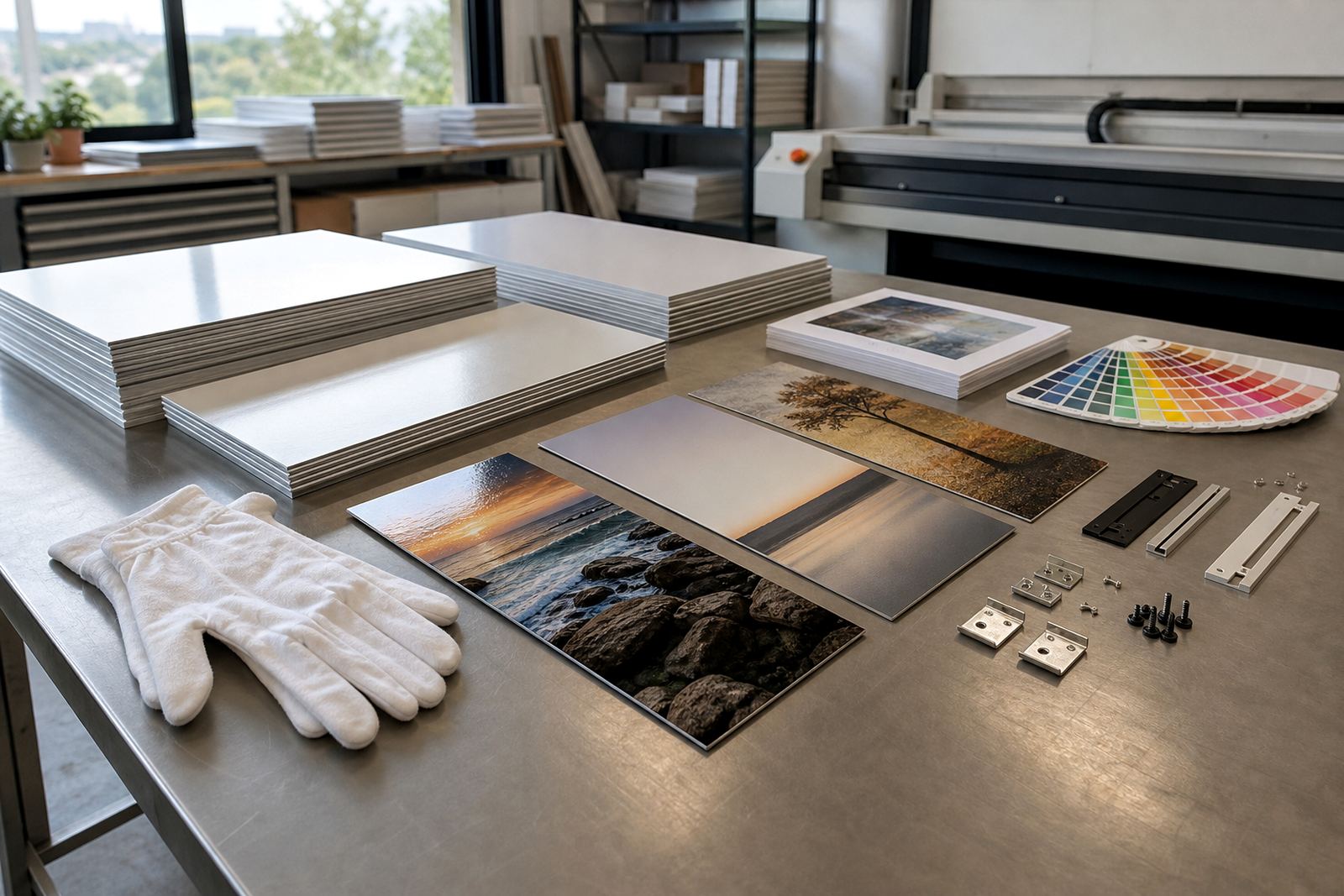
Start with the wall, not the picture
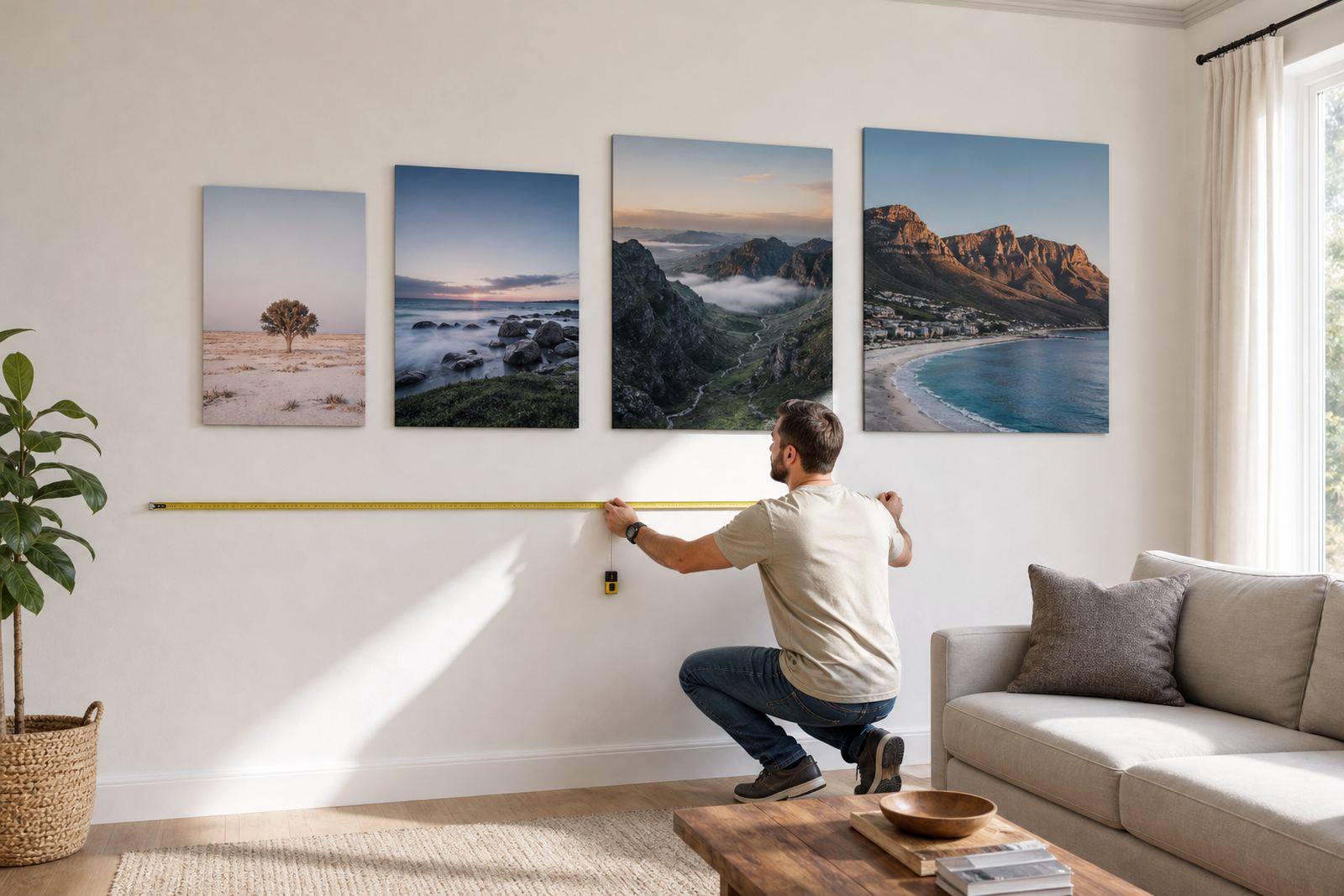
Measure the open wall area first, then work backwards from the space that needs to be filled. A panel that is too small can look lost above a sofa, sideboard or reception counter, while one that is too wide can crowd skirtings, plugs, light switches and picture rails. In Randburg homes and offices we often work around bulkheads, windows and aircon units, so the usable width matters more than the full wall width.
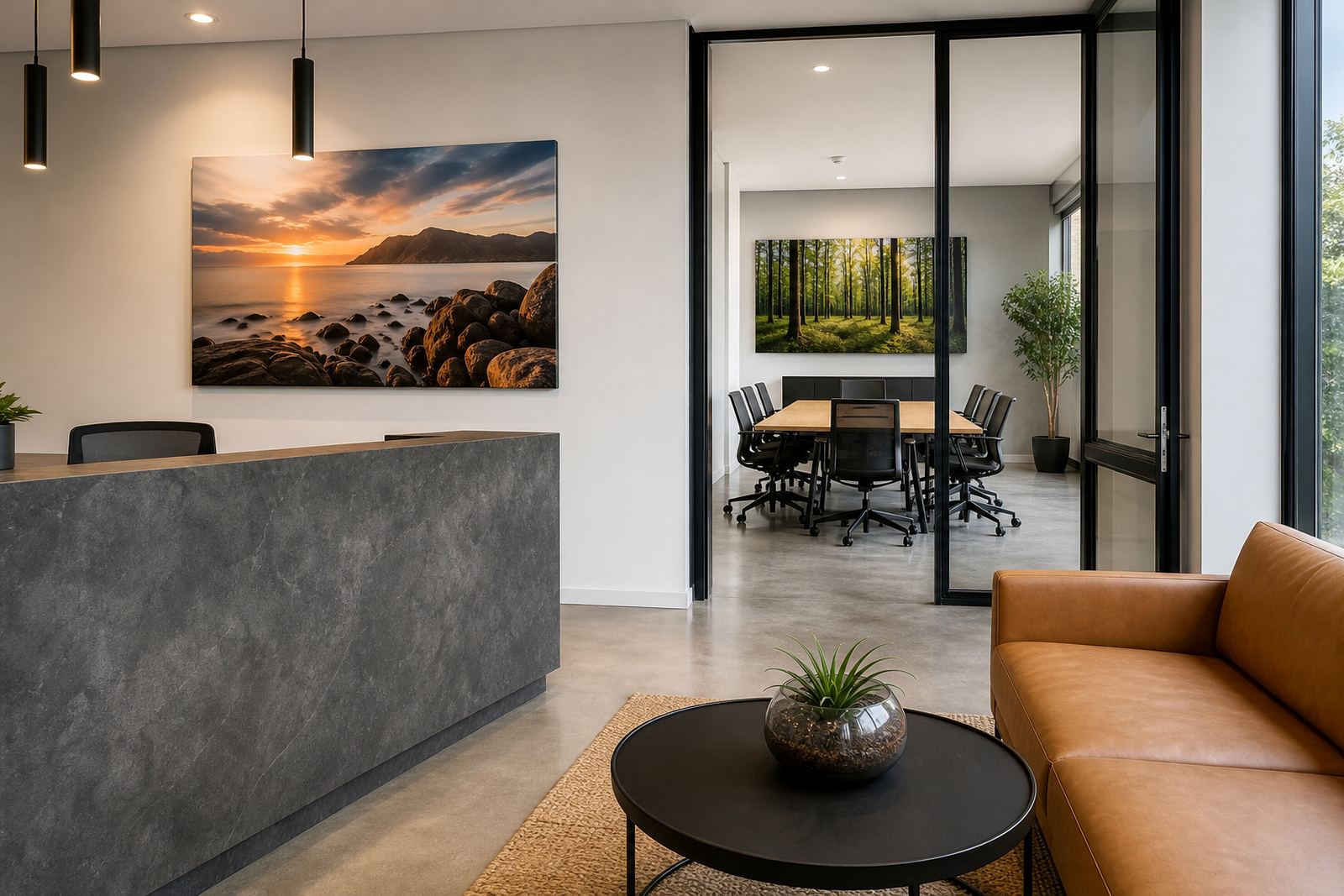
A practical rule is to leave breathing room on both sides. For a single panel, aim for the artwork to cover about two thirds to three quarters of the furniture below it. If the panel sits above a couch, headboard or server cabinet, the width should feel balanced from left to right, not shoulder to shoulder with the furniture. A good tape measure and a rough sketch on paper help more than guesswork.
Match the panel to the viewing distance
Viewing distance changes how much detail your image needs. If people stand close, such as in a passage, bedroom or reception area, smaller panels can still work well. If the panel is viewed from across a lounge, boardroom or open plan office, you can go larger without the image feeling overpowering.
Use this quick check before ordering:
- Close viewing, around 1 to 1.5 metres: smaller panels work, but the image must be sharp and properly prepared.
- Medium viewing, around 2 to 3 metres: most home and office walls suit mid-sized panels well.
- Long viewing, 4 metres or more: go larger so the picture still carries from across the room.
For photographers and artists, the image resolution needs to suit the final panel size. A file that looks fine on a phone may not hold detail on a 900 mm wide panel. Ask for a file check if you are unsure, especially with group portraits, fine text or intricate artwork.
Furniture below the print sets the width
One of the easiest ways to choose a size is to look at what sits below the panel. A dining room sideboard, office credenza or living room couch gives you a natural frame. If the artwork is mounted above furniture, it usually looks best when it is narrower than the item beneath it, but not by too much. The eye likes order and proportion.
Common starting points for South African rooms include these:
- Above a narrow console or corridor table: choose a slim portrait panel or a small square.
- Above a 2 seater couch: a medium landscape panel often suits the width.
- Above a 3 seater couch or king headboard: a wider format or multi panel layout often feels better.
- In a reception area with no furniture beneath: use wall width and sightlines, not just the empty space.
Do not forget skirtings, dado rails and sockets. A panel should sit cleanly in the available area without looking forced into a tight gap.
Choose one panel or break it into a set
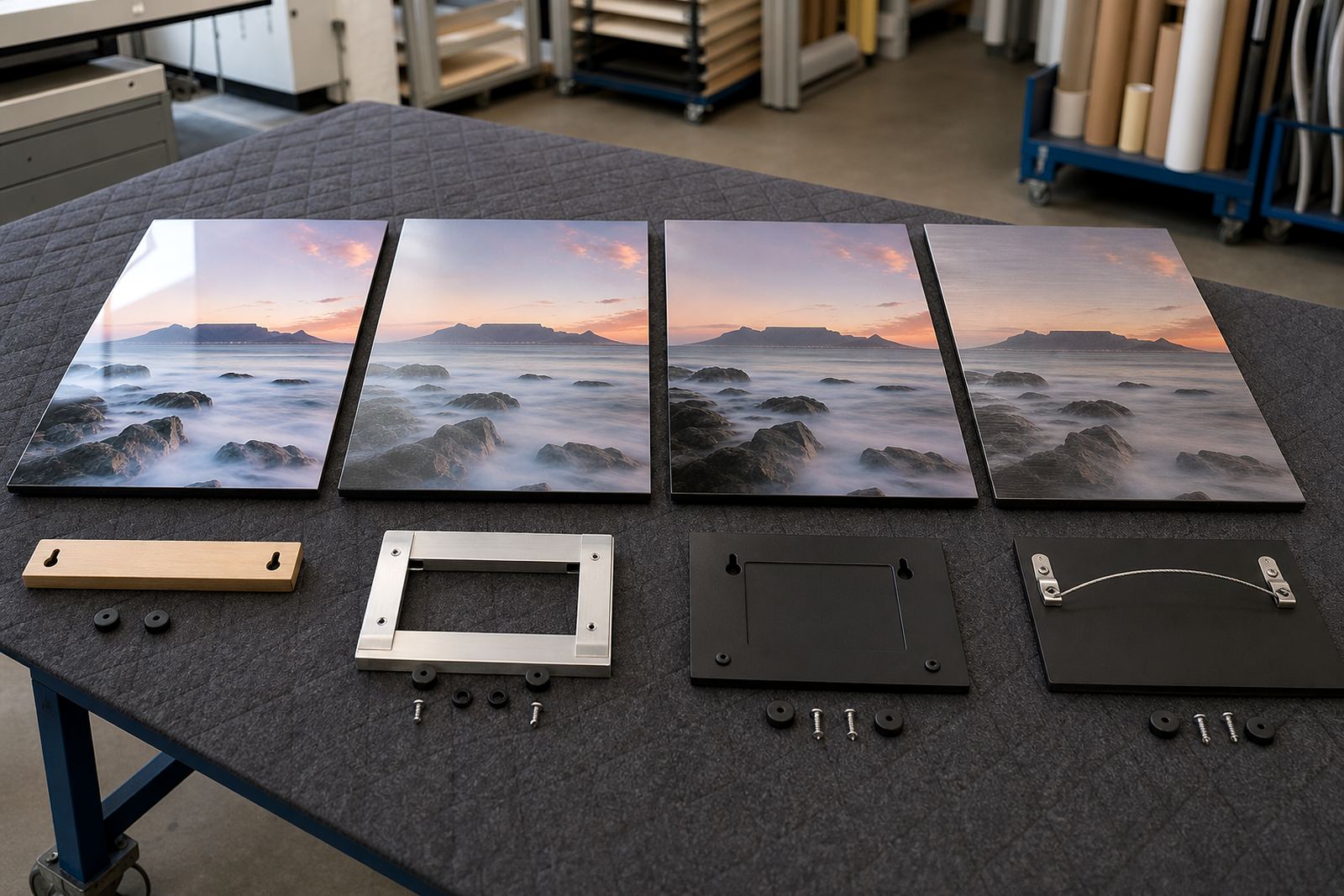
Sometimes one large panel is the cleanest answer. In other spaces, a two or three panel layout gives better balance, especially on long walls in offices, restaurants and conference rooms. Split layouts can help when the image has wide scenery, strong horizon lines or repeated shapes. They also make transport and hanging easier in some buildings with narrow stairways or lifts.
When deciding between one panel and a set, think about these points:
- Single panels suit strong focal images and smaller walls.
- Multi panel layouts suit wide images and longer wall spans.
- Sets can be spaced to work around plugs, switches and wall fittings.
- Large pieces may need more care during mounting and delivery.
If you are using multiple panels, keep spacing even. Unequal gaps can make the whole piece feel off centre, even when the images are aligned.
Finish changes how large the image feels
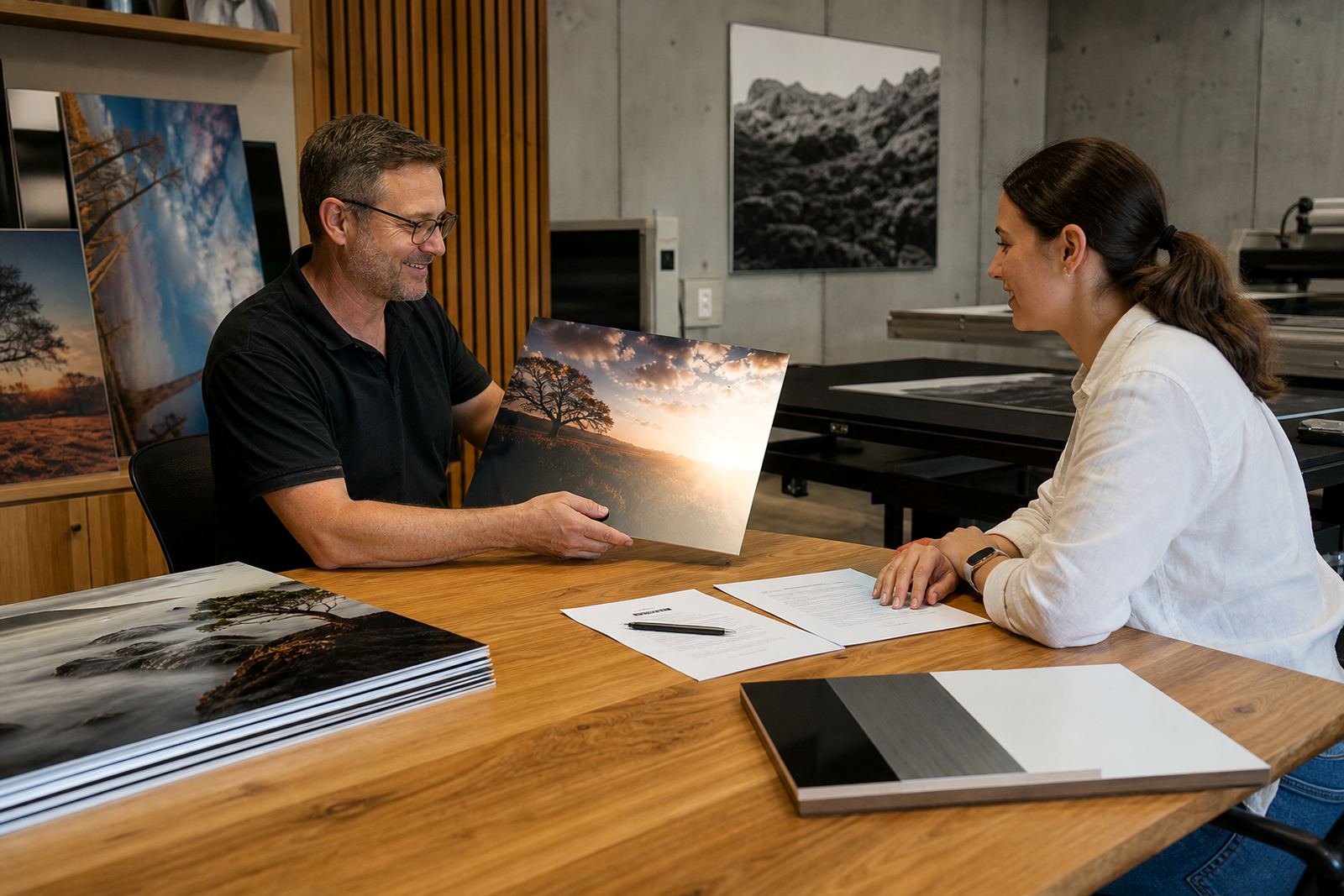
The finish affects both appearance and how the size reads in the room. Gloss can make colour pop and can suit bright images, but it may reflect light from windows or downlighters. Matte reduces glare and often works better in rooms with lots of daylight or coastal humidity where reflections can distract. White coated panels give clean colour reproduction, while brushed metal panels keep part of the metal tone visible through lighter areas of the image.
Finish choice can also change the visual weight of the panel. A glossy finish can feel bolder, while matte or brushed finishes can feel a little quieter on the wall. If the room has strong light from the side, especially in offices with glass fronts, it is worth checking how the finish behaves before deciding on the final size. Small test panels help a lot here.
File quality and sizing go together
Good sizing starts with a clean file. The image should be large enough for the finished dimensions, with enough resolution for a crisp result. Crop planning matters as much as size, because a landscape photo that looks great on screen may lose impact if too much is trimmed off the edges. A portrait may also need extra room at the top and bottom for safe mounting margins.
Before printing, check these points:
- The file is the correct orientation for the wall.
- Important faces, text and detail are not too close to the edges.
- Colour and contrast still read well when enlarged.
- Any dust, date stamps or unwanted objects have been removed.
- You own the image rights or have permission to use the file.
If the photo is borderline for the chosen size, a smaller panel may give a cleaner result than pushing the file too far. It is better to size the panles to the image than to stretch the image to fit the wall.
Measure once, then check the room again
Before you finalise, measure the wall width, the furniture below it and the height from floor to the centre of the image. Then stand back and look at the room from the place where people will actually see the panel. A piece that looks fine up close can feel too small from the entrance, or too wide when you sit on the couch.
Use this last checklist:
- Do the dimensions leave enough space around the panel?
- Will the image still read clearly from the main viewing point?
- Does the chosen finish suit the light in the room?
- Is the file sharp enough for the final size?
- Have you included mounting or hanging preferences?
We handle file checks, resolution review, colour preparation, custom sizing, mounting options and packing for delivery across Johannesburg, Pretoria, Midrand, Sandton, Cape Town, Durban and Gqeberha. If you are unsure about size, send the wall measurements and the image file details through the enquiry form on our contact page, and the team can help you narrow it down properly.