
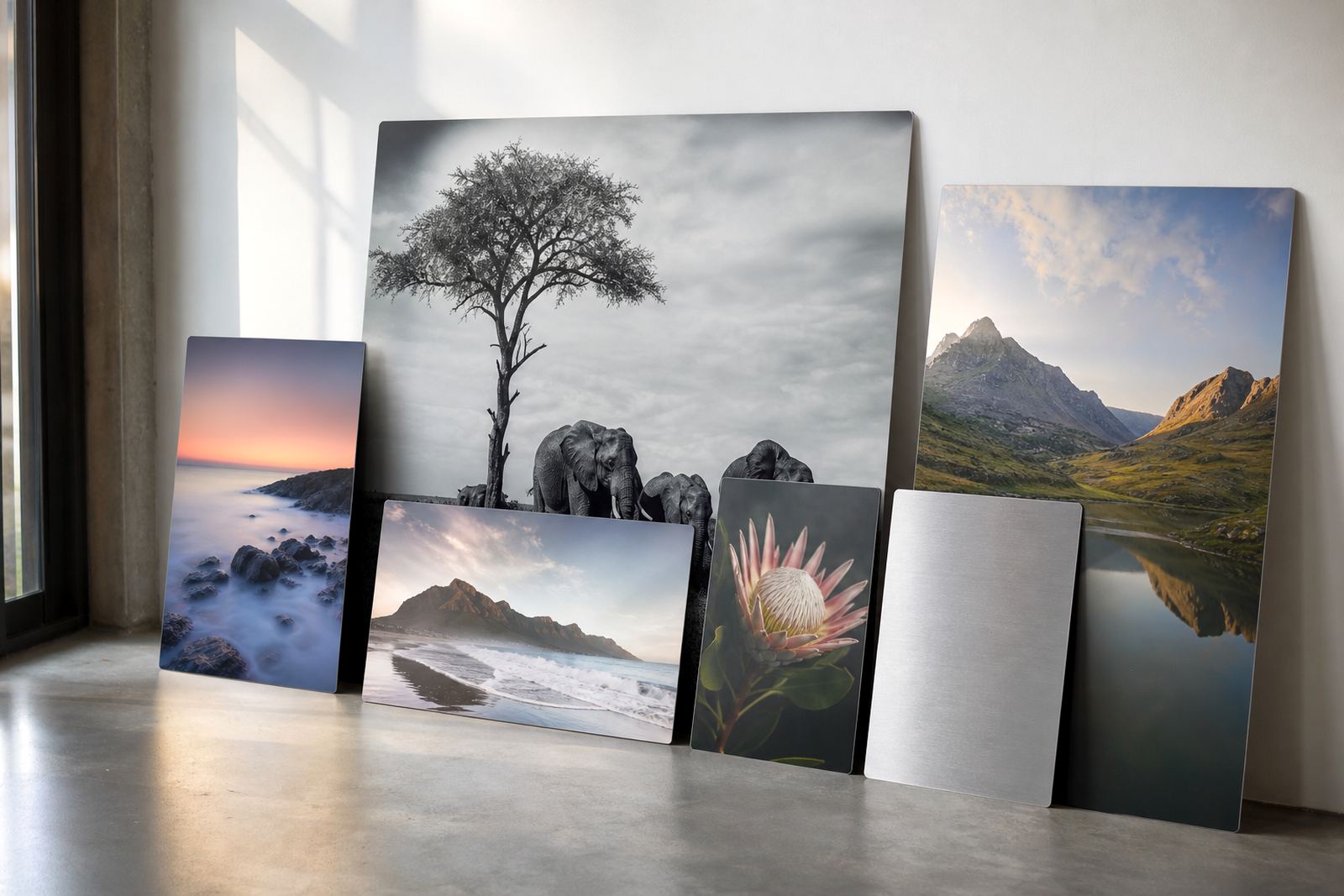
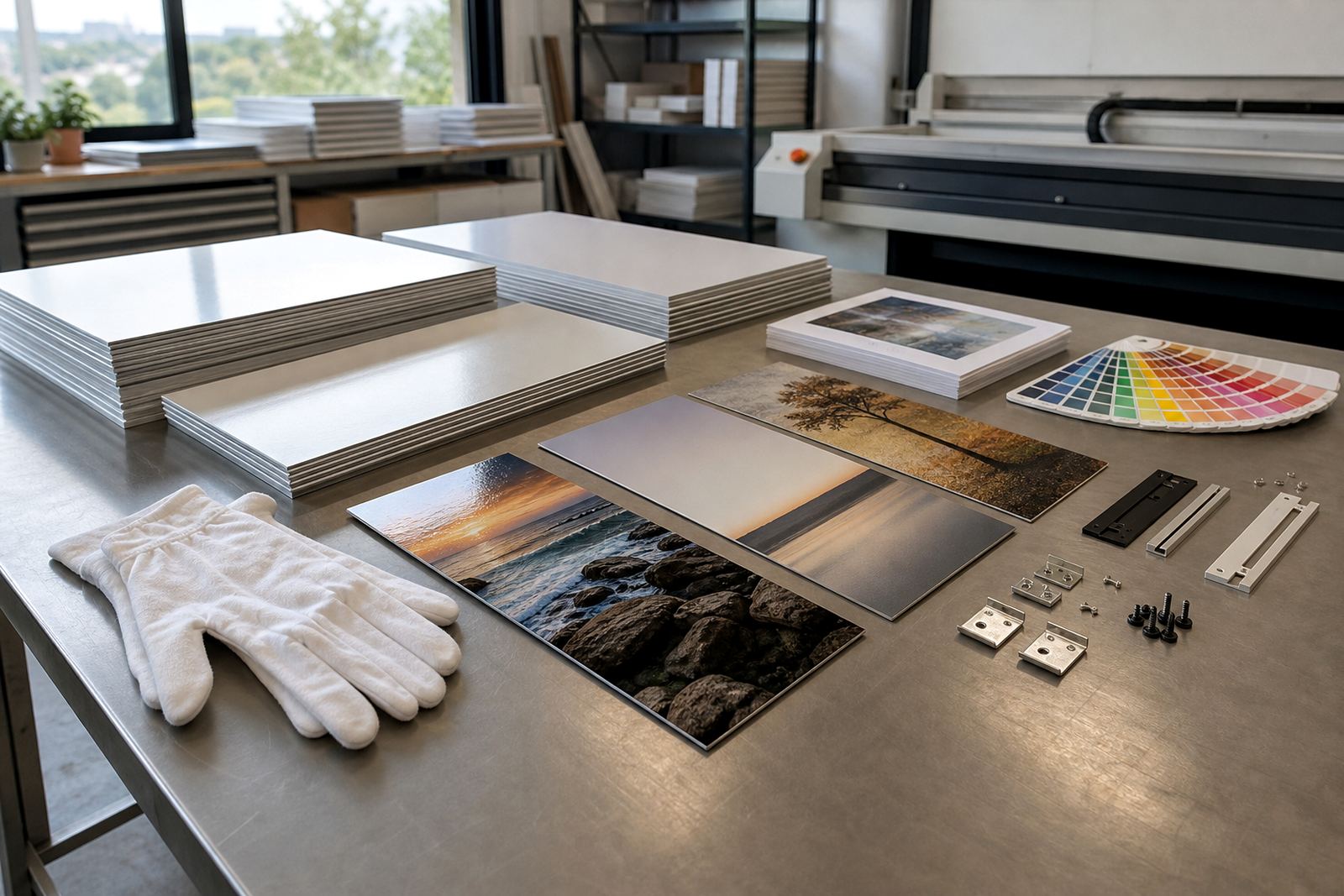
The artwork formats that travel best into production
For dye sublimation onto coated aluminium, the best starting point is a high quality image file with enough detail for the finished panel size. We can work with common print ready formats, but the main thing is that the file must hold up at full size without soft edges or visible pixelation.
If your image will be enlarged, check it at the final print dimensions before sending it through. A sharp file at small size can still print poorly when stretched to a large panel, especially on close view pieces for offices, reception areas or gallery walls.
- Preferred files are high resolution JPEG, TIFF or PDF
- Use the largest version of the image available, not a compressed social media export
- Avoid screenshots, messaging app copies and files saved over many times
- If you are sending a layered file, flatten any text or effects that must stay fixed
Resolution marks the difference between crisp and muddy
For best results, aim for 300 dpi at final print size where possible. That gives enough detail for fine texture, faces and product imagery on aluminium panels. For larger wall pieces viewed from further away, slightly lower resolution may still work, but it depends on the subject and intended viewing distance.
As a practical guide, a file that looks fine on a phone can still fall short once it is placed onto a panel measuring 600 x 900 mm or larger. If the resolution is too low, edges can break up and tonal areas may show softness, so we review this during file checks before production starts.
- 300 dpi is the preferred target at finished size
- Minimum usable resolution depends on the panel size and image content
- Portraits and detailed artwork need more care than bold graphic images
- We can advise where a file needs resizing, sharpening or a new crop
Size it for the panel, not just for the screen
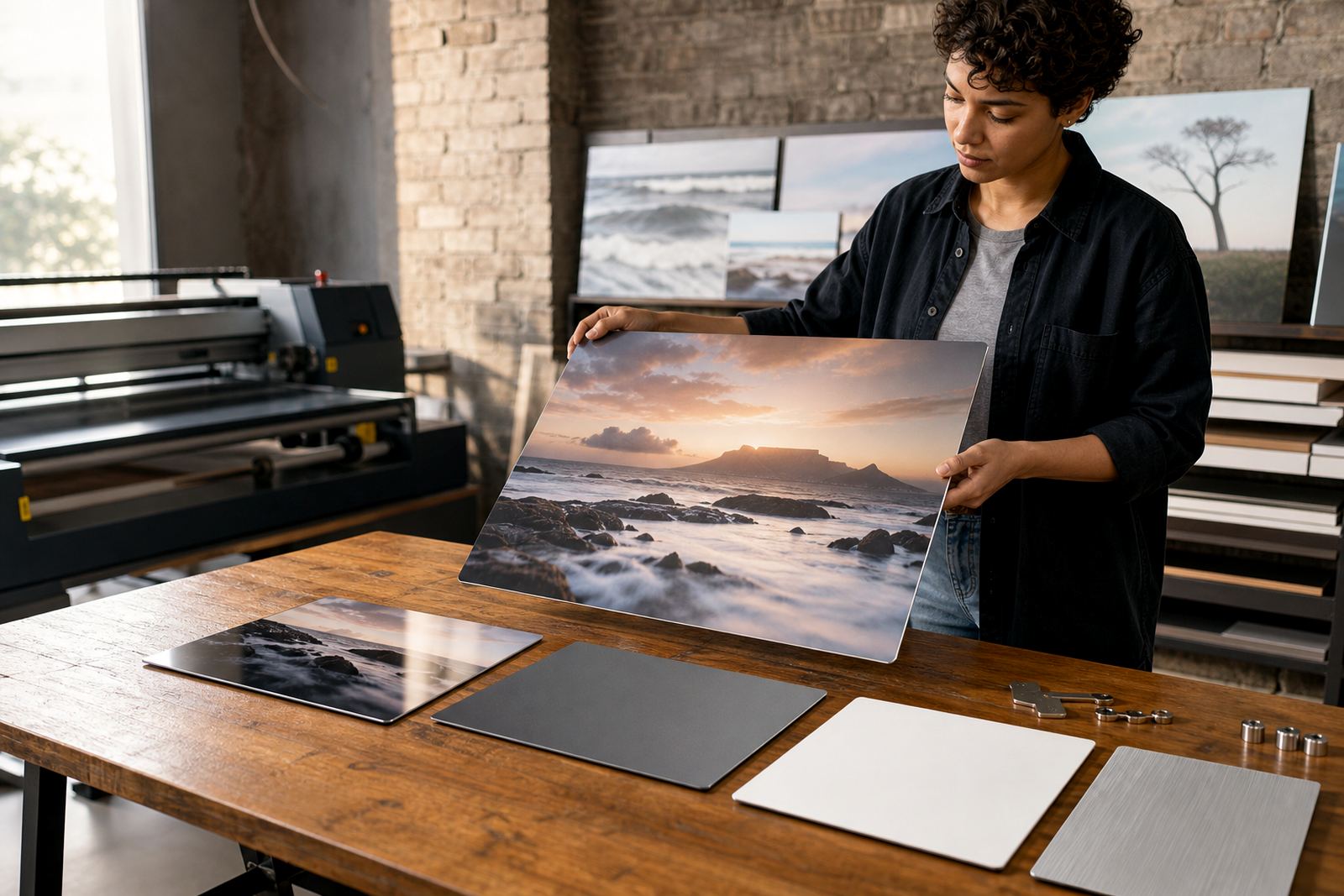
Set your file to the exact panel size you want, or tell us the finished size and let us handle the layout. This matters because aluminium panels are cut to specific dimensions and the final print must suit the chosen finish, whether gloss, matte, white or brushed. Each finish reacts differently to light and colour, so size and crop planning should happen together.
If your image includes borders, text or multiple images in one layout, keep them well inside the safe area. That prevents important details from being trimmed during cutting and gives enough room for mounting hardware or edge clearance.
- Send the intended finished size in millimetres where possible
- Allow bleed if the image runs to the edge
- Keep logos, signatures and faces away from trim lines
- For multi panel layouts, number each panel clearly
Orientation, crop and the feel of the final panel
Portrait, landscape and square orientations all work, but the image should suit the panel shape and the space where it will hang. A wide seascape in a tall portrait panel can lose impact, while a vertical artwork forced into a landscape format may need heavy cropping. We check this early so the composition still feels balanced once printed and mounted.
Crop planning also helps when clients want repeating sets for corridors, boardrooms or hospitality spaces in Johannesburg, Cape Town, Durban, Pretoria or Gqeberha. Matching orientation across a series keeps the installation tidy and makes the work easier to hang evenly.
- Send the image in the same orientation as the finished panel where possible
- Flag any part of the image that must not be cropped
- For diptychs and triptychs, tell us the sequence order
- Leave extra space around the outer edges for clean trimming
Colour prep for coated aluminium and local printing conditions
Colour on sublimation aluminium is affected by the file itself, the chosen finish and the way the artwork is prepared before printing. Bright colours, deep blacks and neutral greys all need a clean source file, especially if the image has been edited across different screens. Coastal humidity in Durban or Gqeberha can also affect storage and handling, so it helps to send files well in advance and avoid last minute changes.
If your work is for a brand wall, office reception or retail space, ask for colour review before final approval. That gives us a chance to spot dull shadows, blown highlights or colour casts that might show up once the panel is produced.
- Use the original colour file where available
- Let us know if the artwork must match existing printed pieces
- Do not over sharpen, as that can create halos in print
- For black and white pieces, check that greys are clean and not tinted
Sending the file without slowing down production
Keep the submission practical. Name the file clearly, include the final size, note the finish you want and mention whether you need hanging hardware. If the panel is for a home, gallery, office or retail display, tell us how it will be viewed and whether it should arrive ready to hang. That helps us check mounting options, packing and delivery from our Randburg base to the rest of South Africa.
For repeat metal print work, we can check files, prepare test panels and match a previous print. When your artwork belongs to a set or is replacing an existing panel, include the reference details with the new file so we can keep the finish consistent.
- Include your name, order reference and delivery town
- State the exact panel size and quantity
- Confirm the finish: gloss, matte, white or brushed
- Tell us if you need custom sizing or mounting options